Hello again,
I’m trying to use CSV batch upload for ERC721 edition metadata, but I have a constraint:
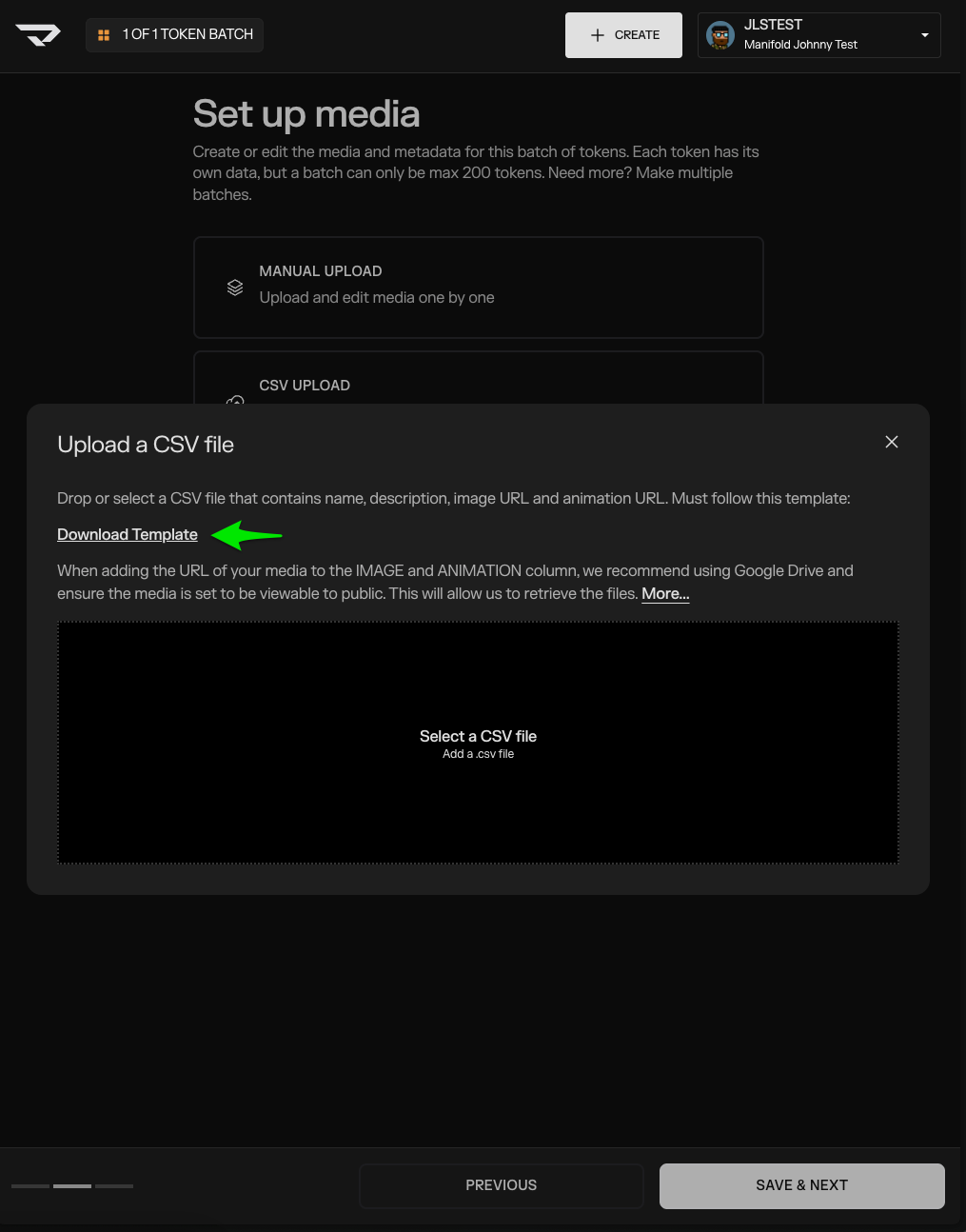
The CSV guide (How do I add media to my CSV? | How can we help?) states that media links must be in Google Drive and set to public, and that personal servers/Pinata links will not work.
I use ArDrive for permanent storage of my images.
Questions:
-
Can I use ArDrive links (ar:// or https://arweave.net/) in CSV media uploads from a public folder?
-
I looked for a csv template, but did not find. I see the headers you supplied in screenshot. Can we create our own csv file?
-
Security (only if blind mints): “For blind mints, how are images protected before reveal?”
-
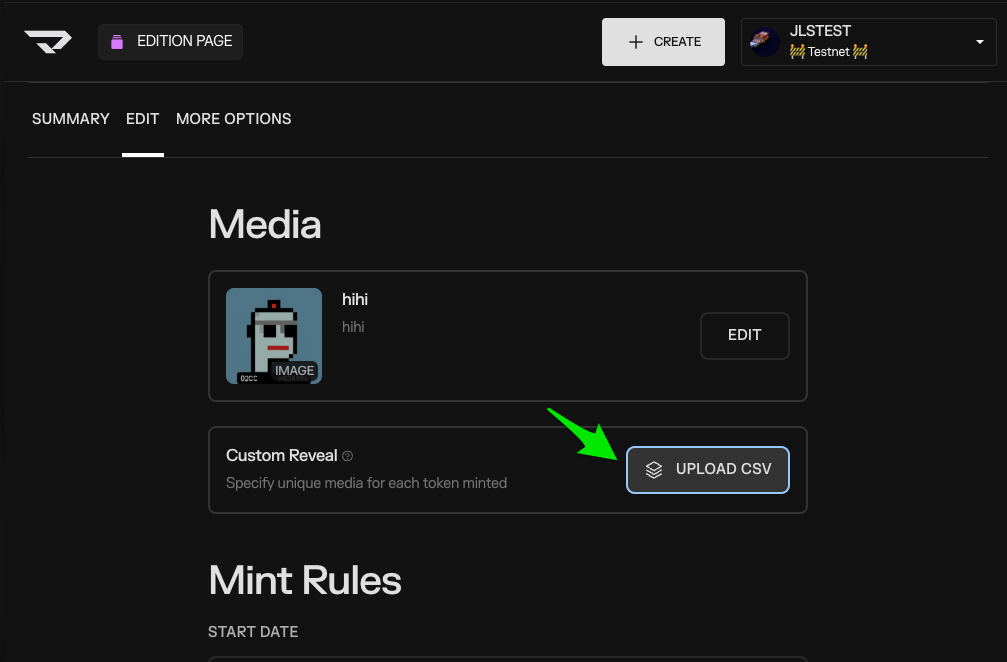
Is it possible to do a csv Direct Upload in Manifold UI?
My images are already uploaded to ArDrive and publicly accessible. I’d prefer to use those links rather than re-uploading to Google Drive.
Thanks.