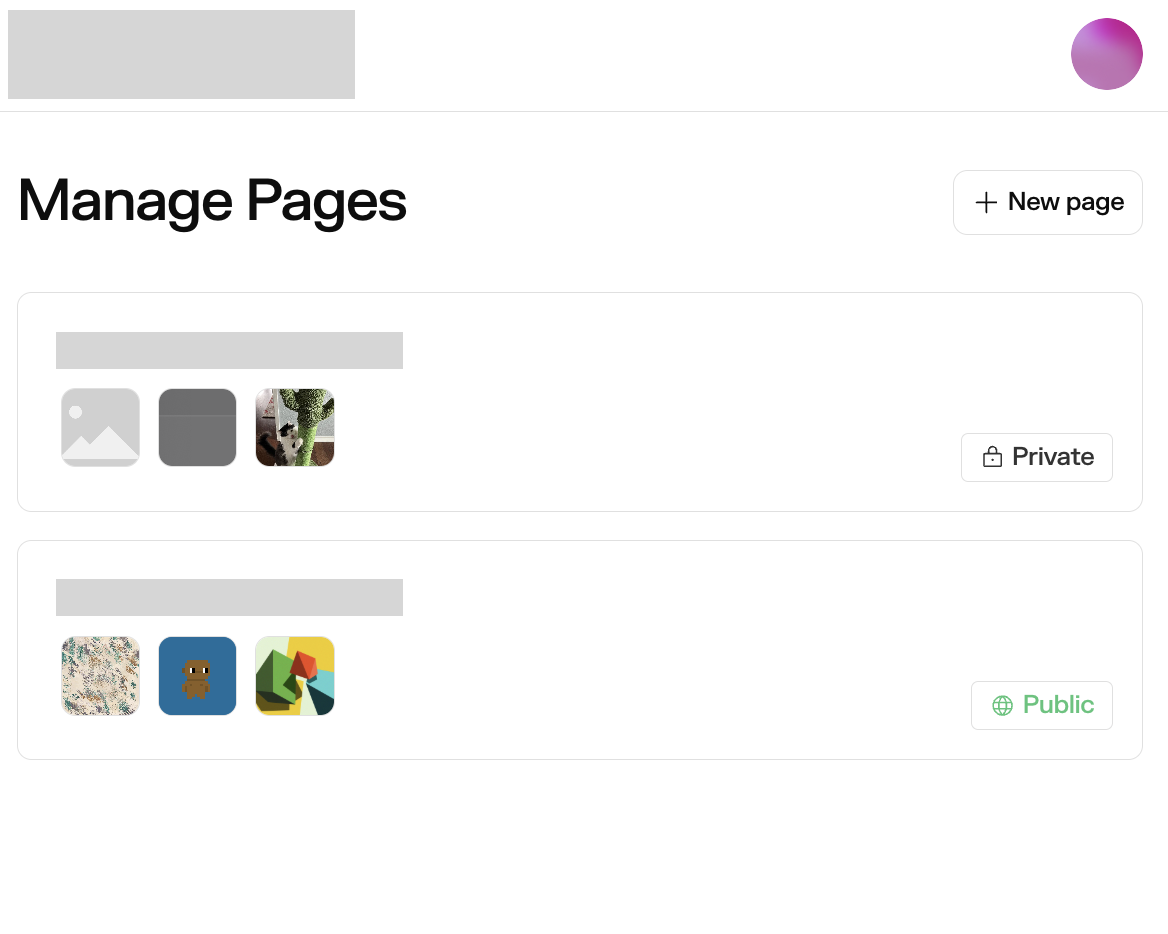
the link to the collection page no longer works as your page seems to be in “private” visibility. you can see all your pages by navigating to vividintraglobal - Manage Pages and connecting with the wallet owning the profile. it should look like this:
once on that page, you should see the page in question with the Private indicator. you can click into it and modify its visibility on the top right, or in the Tiles & Page Settings panel > Settings tab.
as for creating a new page – we have identified a bug and have issued a fix. you should be able to create new individual pages when editing your profile shortly. in the meantime, you can navigate to your page management url (append /pages to the end of your profile url) and you can create pages from there.