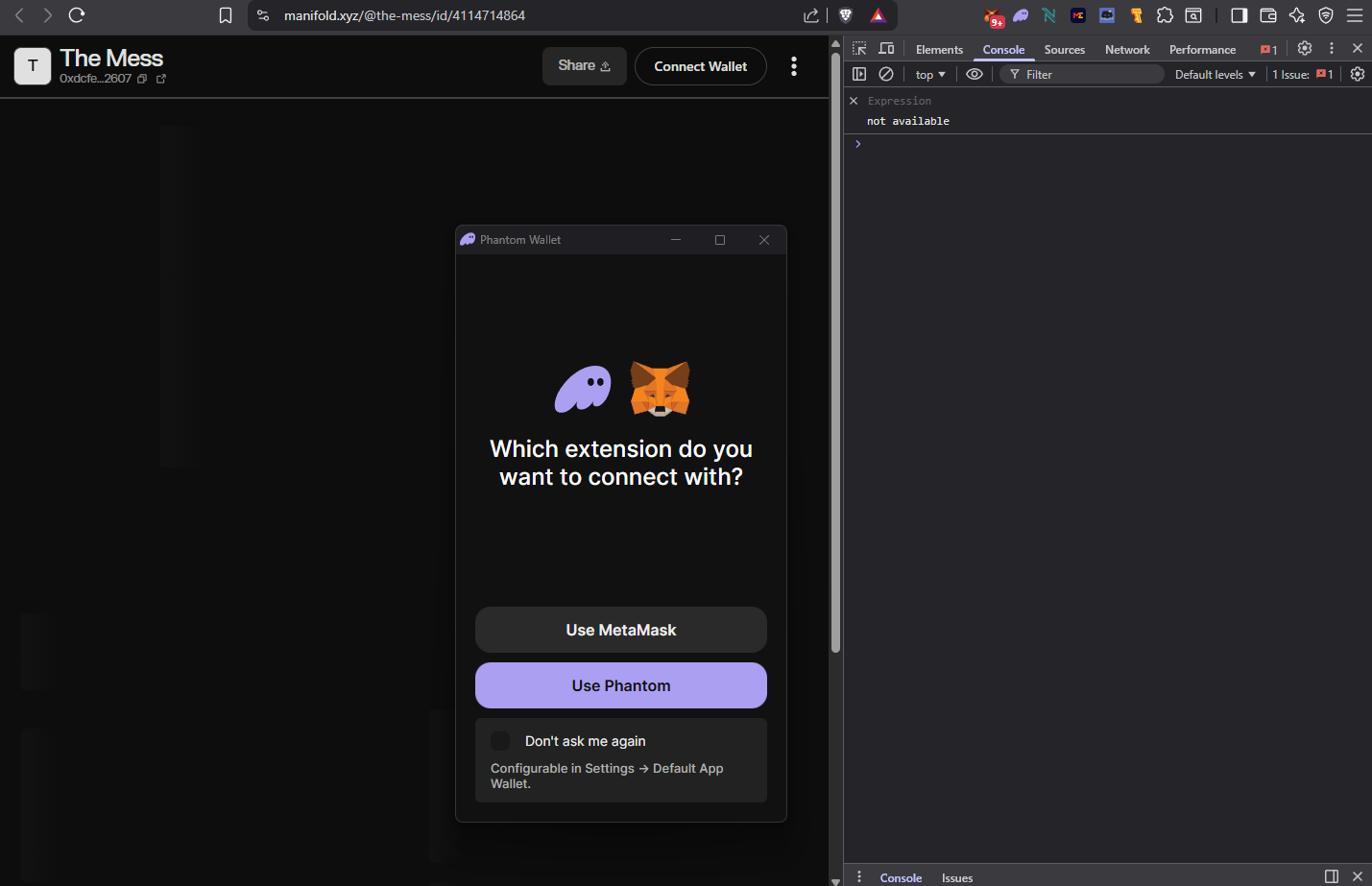
• I’m unable to open the auction (listing) page I created — it keeps loading indefinitely and never opens in the browser.
• Several users have also reported receiving a “media error” when trying to view it.
• The same issue is happening with both auctions I’ve created on Manifold.
I’m using Brave, Google Chrome browsers, and have same issue on them.
Thank you for the report! Looking into this and will get back to you.
The good news is that currently in my personal browser I am not experiencing these issues so it should be only showing up for users of certain browsers/wallets/devices. We’ll try to figure it out!
Question for you. In the scenario where it loads indefinitely, is there anything specific about your browser that we might want to know? Such as, do you have an Ad blocker installed? Do you have wallet extensions installed? If so, which ones?
Thank you! This will help us find a way to reproduce the issue on our end and then patch the issue.
Hi, thank you for reviewing my request. Glad to know it works on your side.
I tried opening it from my phone and it seems to work there, but it still doesn’t open in my browser.
I don’t have any ad blockers installed.
Regarding wallet extensions on Brave, I have MetaMask, Phantom, Nami, Magic Eden, and Temple. Other extensions on Brave are Discrub and McAfee Web Advisor, in case that information helps.
On Google Chrome, I have MetaMask, Phantom, Magic Eden, and McAfee Web Advisor.
So… I think I figured out how to make it work.
I didn’t interact with the wallet menu that appears after clicking the link — I was just waiting for the image and everything else to load.
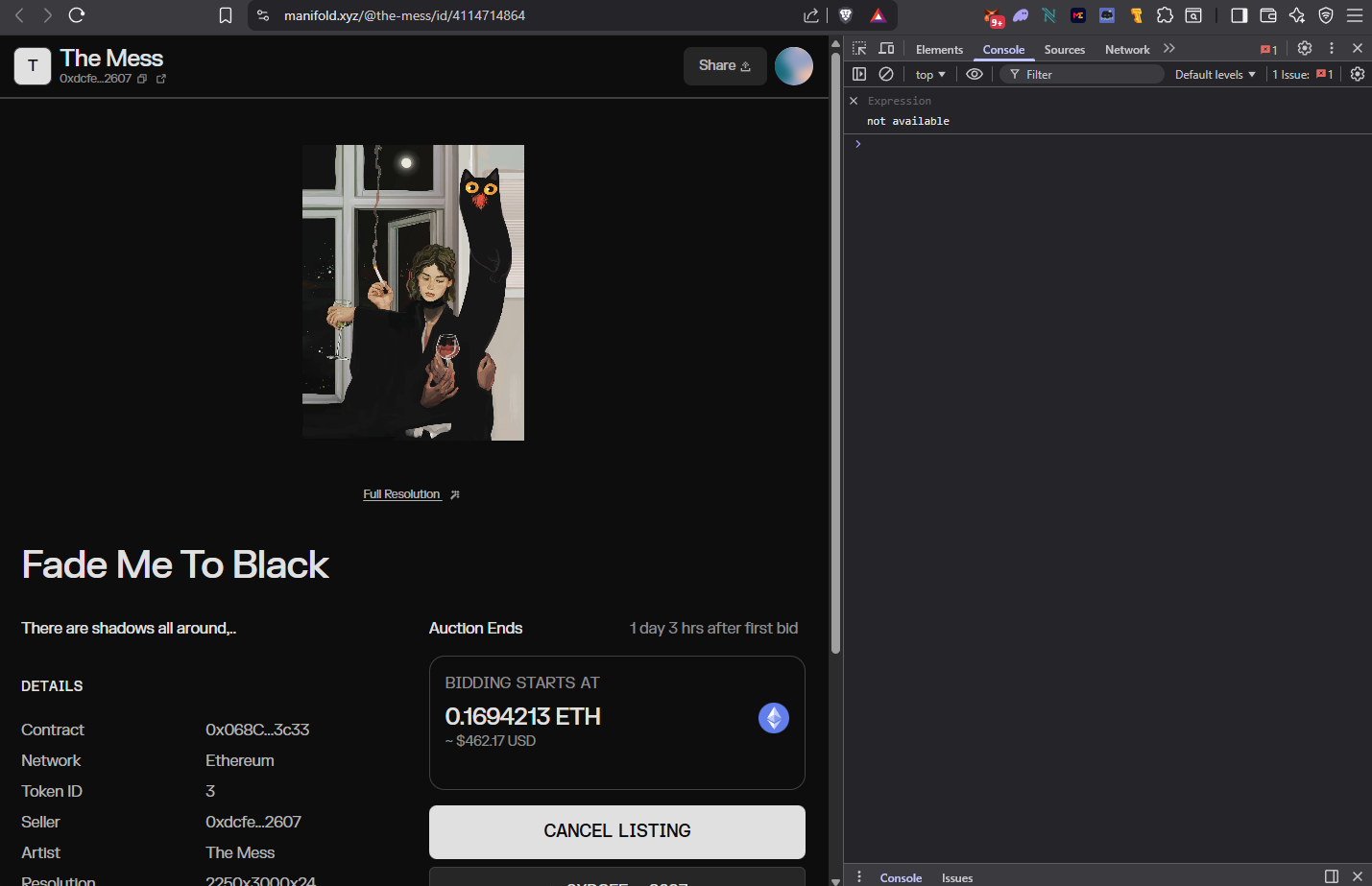
It turns out I need to choose a wallet first, and only then the page actually starts loading and everything appears.
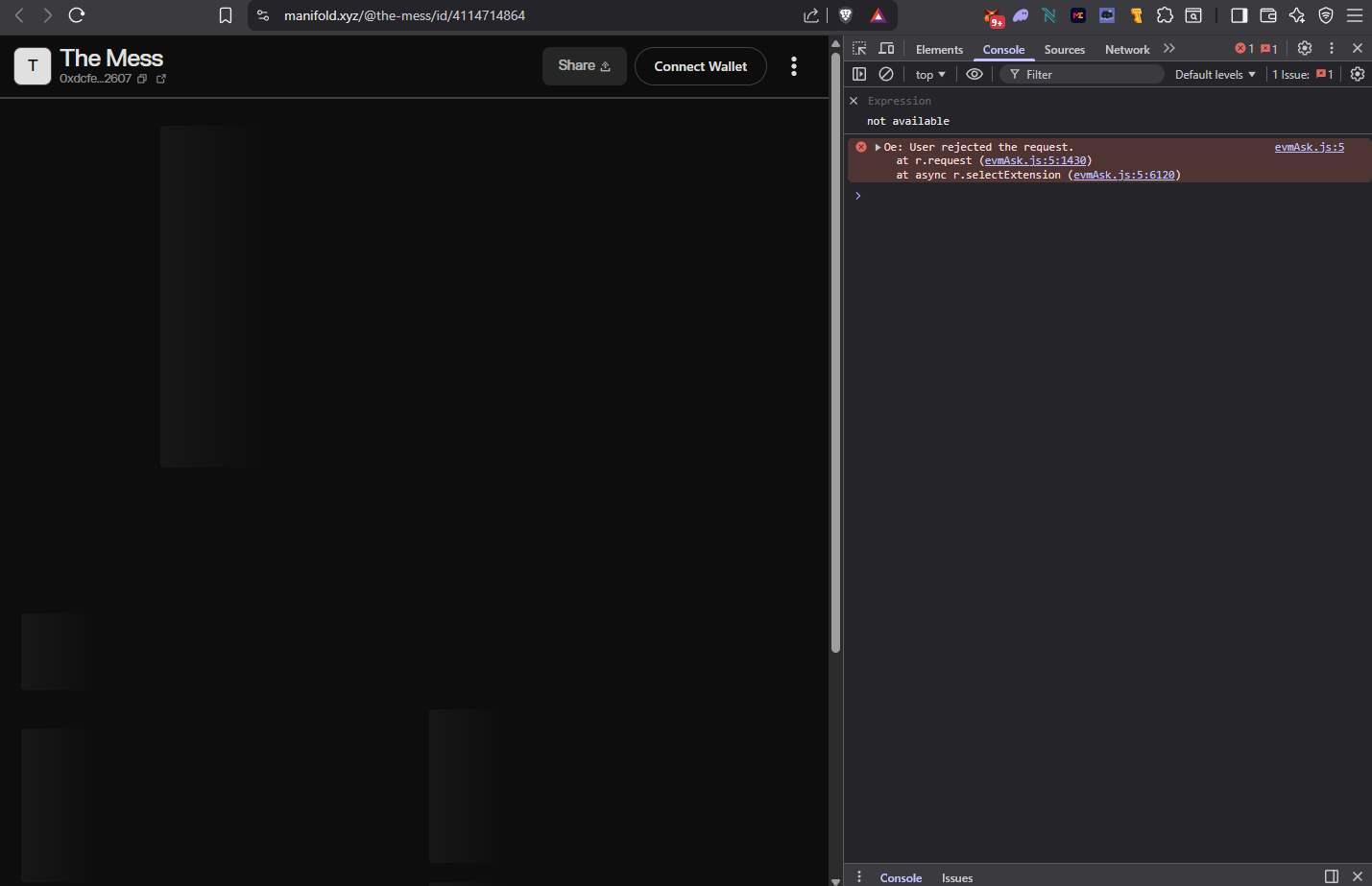
If I click the “X” to close the wallet prompt, the page also doesn’t load.
I tried to attach a screen recording, but it doesn’t allow me to upload it here because I’m a new user.
So I’m attaching screenshots instead:
• the first one is what I see right after clicking the link,
• the second is when I close the wallet prompt,
• and the third is when I click “Use MetaMask.”