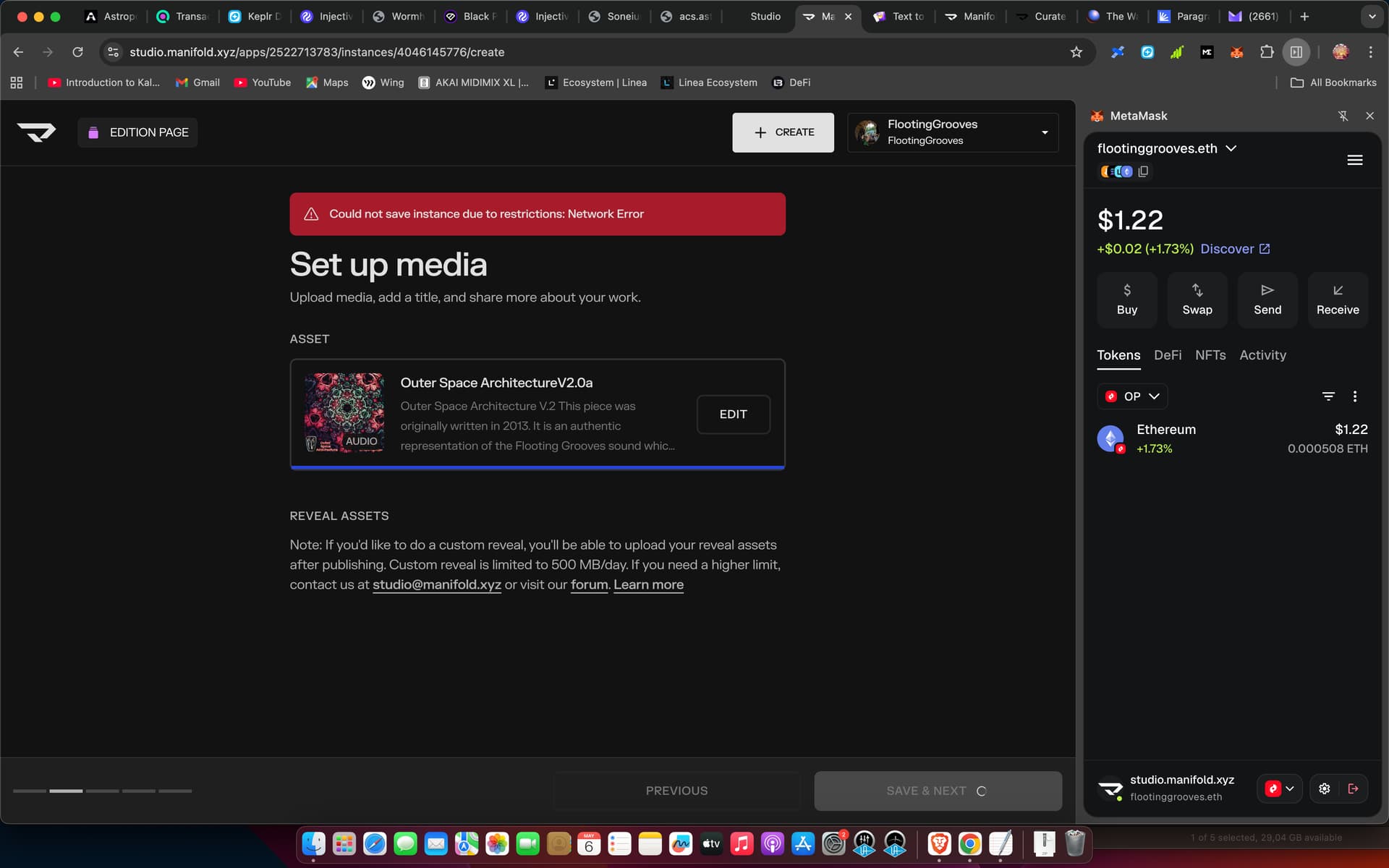
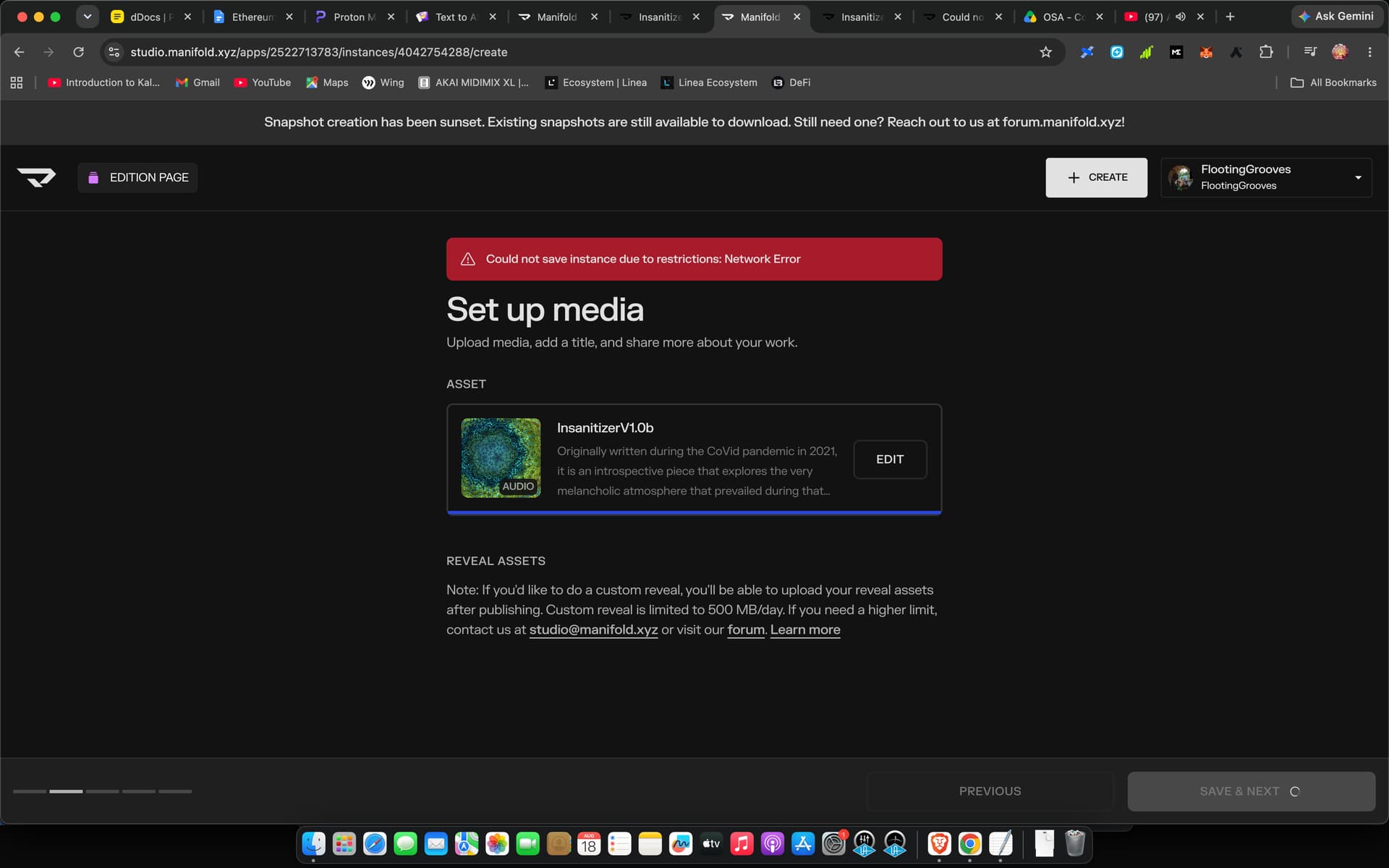
Hi,
Sorry for the issue you are having, could you try the following, in order, and let us know which one helps:
Disable any ad-blocker or privacy extension on studio.manifold.xyz (uBlock Origin, Privacy Badger, Brave Shields, Ghostery, NoScript, etc.) and reload the page.
Try an incognito / private window with extensions disabled.
Try a different network — switch to a mobile hotspot or a different Wi-Fi (corporate / school / VPN networks sometimes block our upload domain).
Try a different browser (Firefox, Safari) just to rule out a Chrome-specific extension.
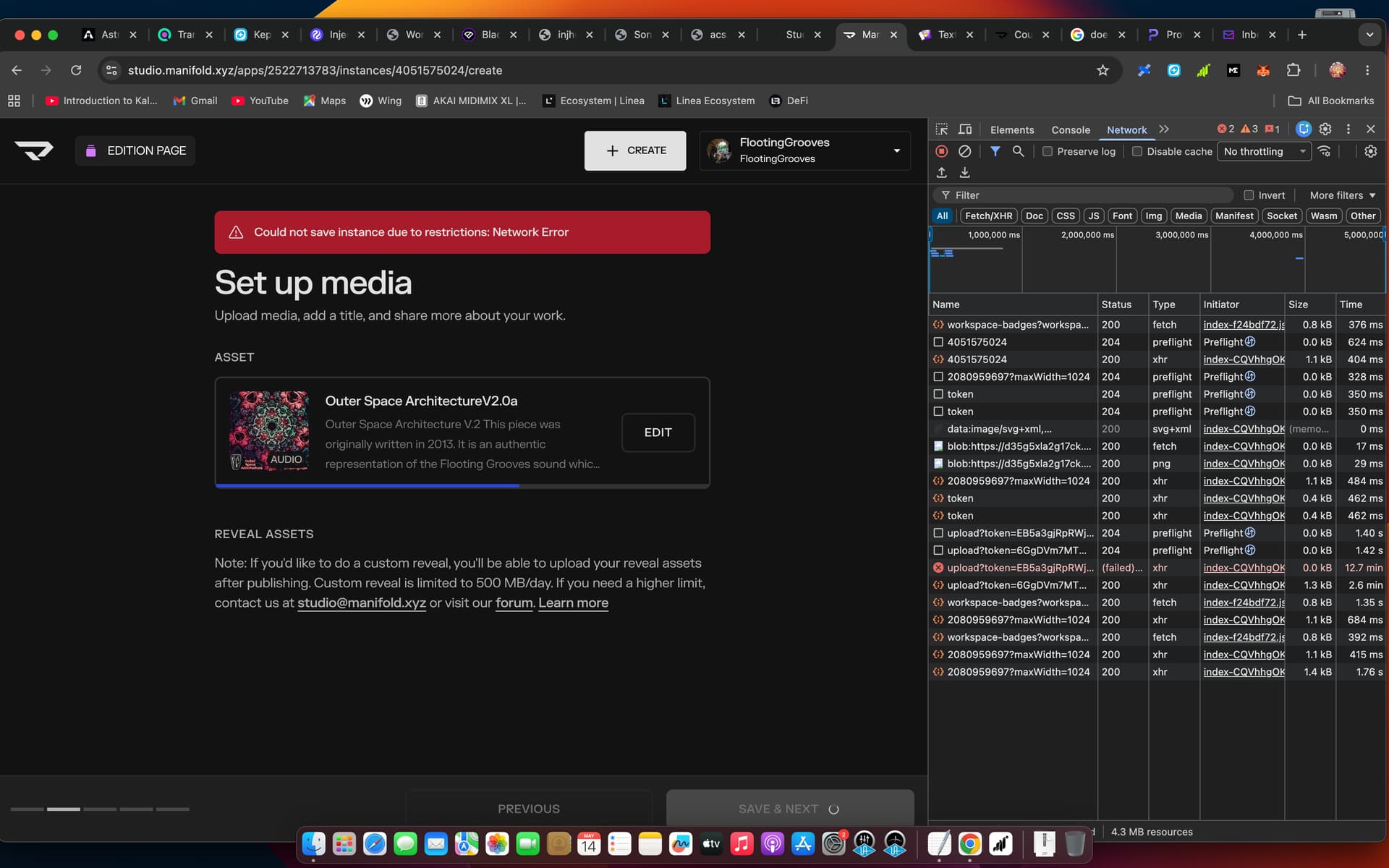
If it still fails, we’ll need a screenshot of your browser DevTools → Network tab at the moment you click SAVE & NEXT . To open it in Chrome: right-click the page → Inspect → click the Network tab → reproduce the error → screenshot the failed request (the red one) showing the URL, status, and response. That’ll tell us exactly what’s getting blocked.
Hi there,
I really need help please !! I got back onto this issue, tried a hundred times, no luck.
Above i sent the screenshot of my browser DevTools → Network tab
The issue seems to have arisen after i updated my mac os to the latest one…maybe you have come across this before.
I also tried doing the upload on my android, this time it gave me a different error (401).
The files are legit because i used the same ones previously to mint these NFTs (86+4.14mb)
Hi, ok let me try with a couple of different pieces from google drive and see what happens. I usually just upload direct from my macbook. I will share the said files. thnx.
gm! Just checking in - We’ve published a fix two days ago that should have resolved this. See that you’ve minted since then. Just want to make sure this was all working on your end?
 Please beware of external links. Support will only be handled on this forum.