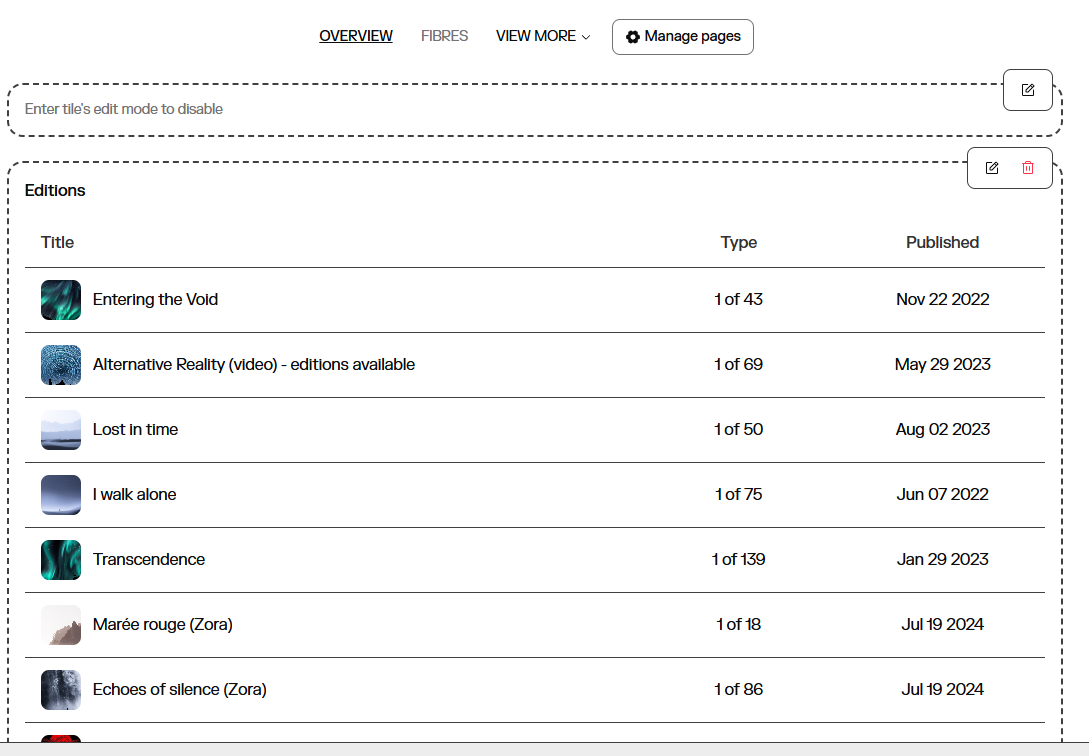
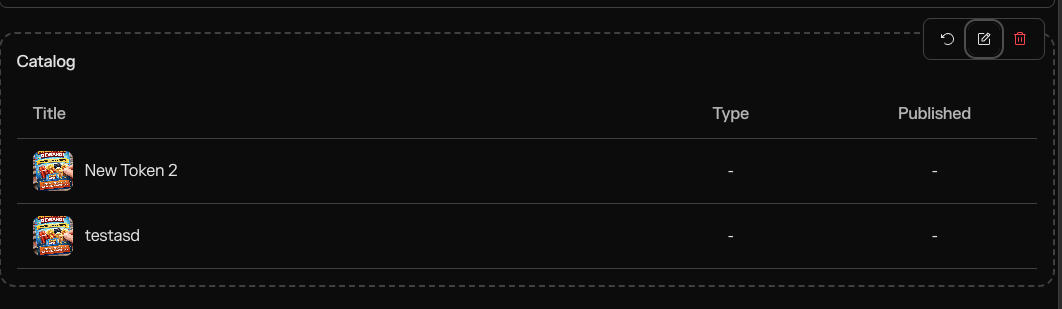
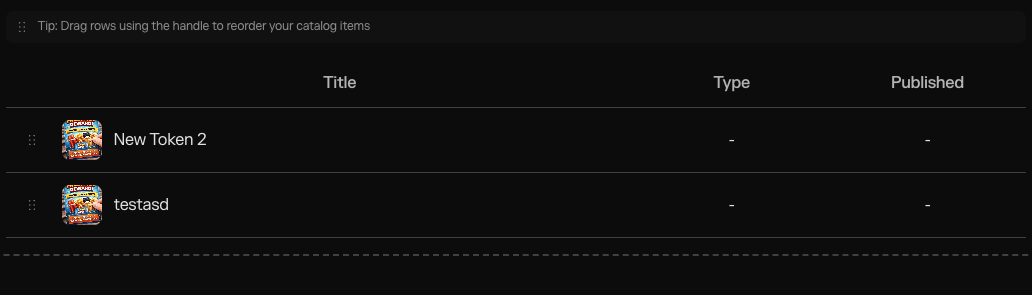
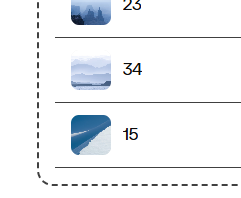
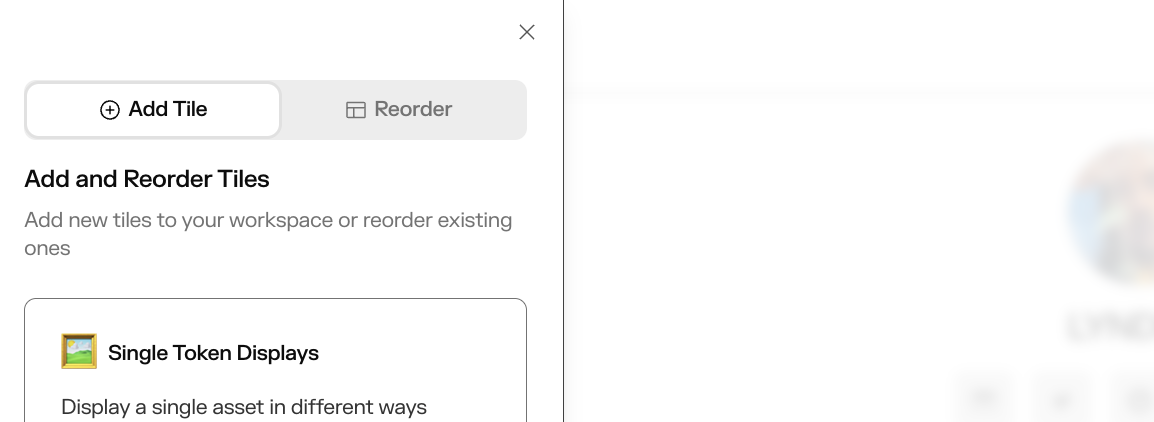
Hey guys, I can’t figure out how to drag collections to change the display order on my Studio Profile overview page, there is no drag button (see screenshot). It displays my older work first, but I want my more recent work to be shown first. I don’t see an option to display by date either.
It took me a few days to add all my links and info, so I was really hoping I wouldn’t have to start over. How do we do this? When I hit feature latest work, it doesn’t show my latest minted collection it shows a older piece I recently updated. Feeling kinda stuck.
The drag handle appears as a small grip icon (⠿ or ≡) at the bottom on the left side of each collection card. This allows you to drag and reorder the item within the collection.
thanks but there is nothing on the bottom left, I am not trying to change the order of pieces within a collection, I want to change the order of the collections themselves.