0x9CEf12f3F25fCD00C6CD453c4003020573085d7E
I’m trying to edit my profile info. I can sign in to Manifold, but the Manifold studio sign in links aren’t functioning.
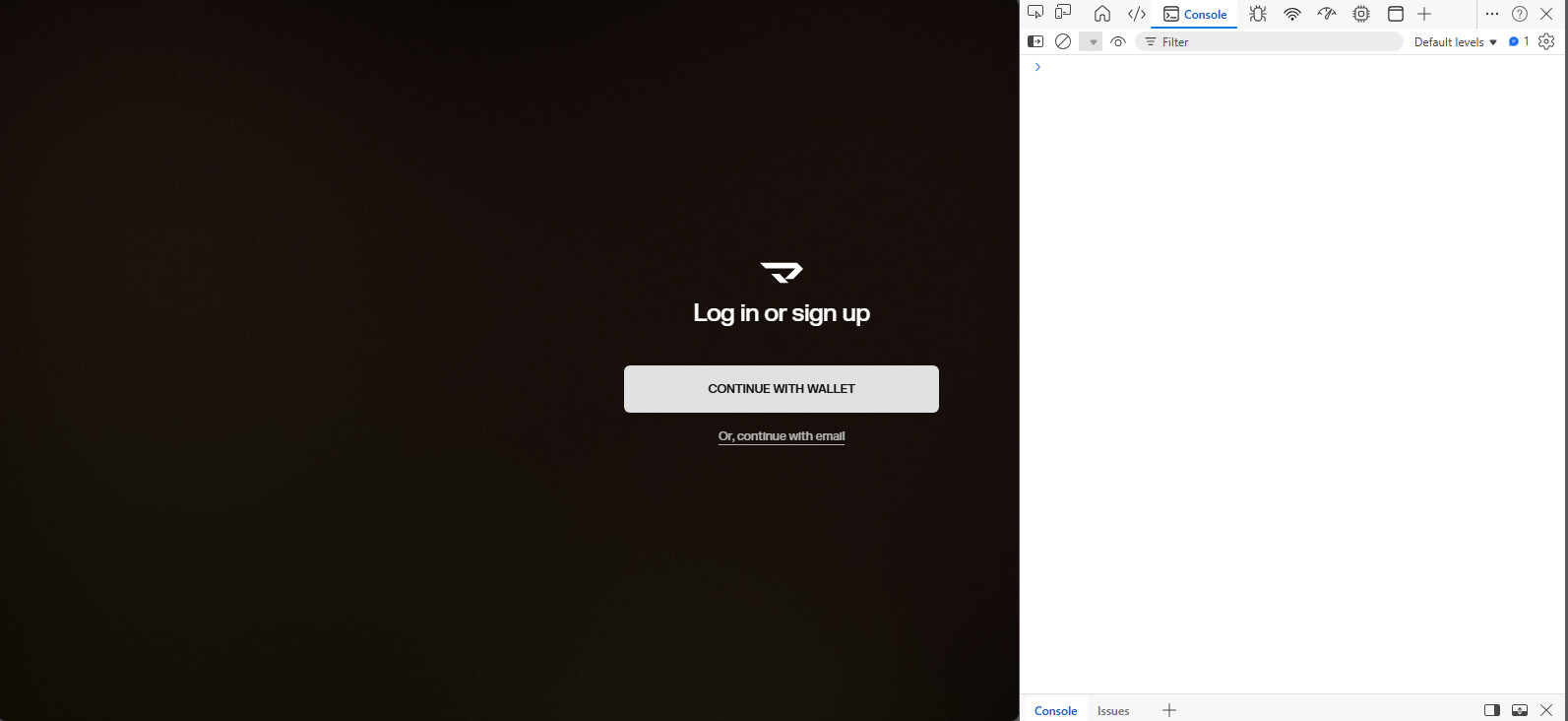
I’m using Edge and Coinbase Wallet extension. My extensions don’t work well in Firefox. The console tab isn’t showing anything.
GM Chris
Sorry for the hassle getting into Studio. What happens when you click “Continue with wallet”?
One thing we could try is to loosening Edge’s privacy setting. Edge’s tracking prevention can quietly block the wallet popup. Go to Settings → Privacy, search, and services → Tracking prevention and set it to Basic , then reload Studio and try again.
The continue with wallet and with email buttons aren’t working. I didn’t have tracking prevention on, but I set it to basic and it still didn’t work. These are the same settings that I minted my NFTs with. There may be an update glitch or something.
It’s been a couple days. My bio on Manifold isn’t uniform with my other bios. I am not able to get in manifold studios at all, so I am also not able to delete my account.
Hi Chris,
Thanks for the additional information.
When you mention that the “Continue with Email” button isn’t working, would you mind sharing the console logs that appear when you click it? That would help us investigate the issue further.
Could you also try updating Edge to the latest version and see if that makes a difference?
If the issue persists, would you be able to try another browser, such as Chrome, and let us know whether the same behavior occurs there?
Thank you for your help and patience while we look into this.
I added a console screen shot when I first started this. Everything else in Edge is working. To switch to another browser would require that I install it and add the wallet extension, and I would rather just delete the account.
Hi Chris,
Could we try clearing cookie to see if this could resolve the issue please?
Clear site storage for studio.manifold.xyz
- Open the website in Edge.
- Click the lock/settings icon on the left side of the address bar.
- Click Cookies and site permissions or Site settings.
- Click Manage and delete cookies and site data.
- Find the site and remove its stored data.
In the mean time, would you mind sharing the link to your profile and what would you like to edit in your profile? I can help adjust that in the mean time