Please beware of external links. Support will only be handled on this forum.
Manifold employees will have a Manifold Team badge next to their name. Please update the title and description of the issue. In order for our team to investigate a bug/errors, please provide the following:
What is your wallet address? 0xb6c4ce4eae85066f8fc45093d12444c8b89a6aa9
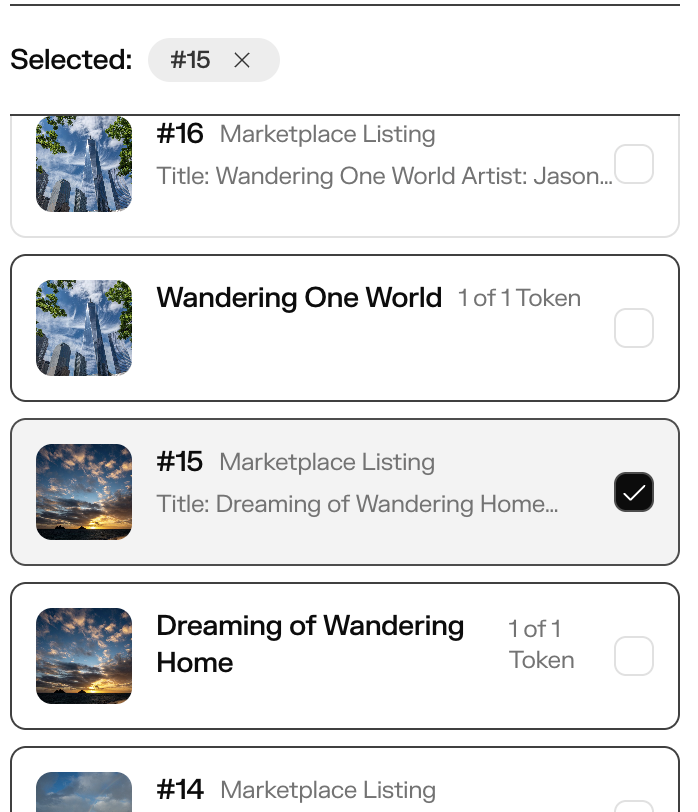
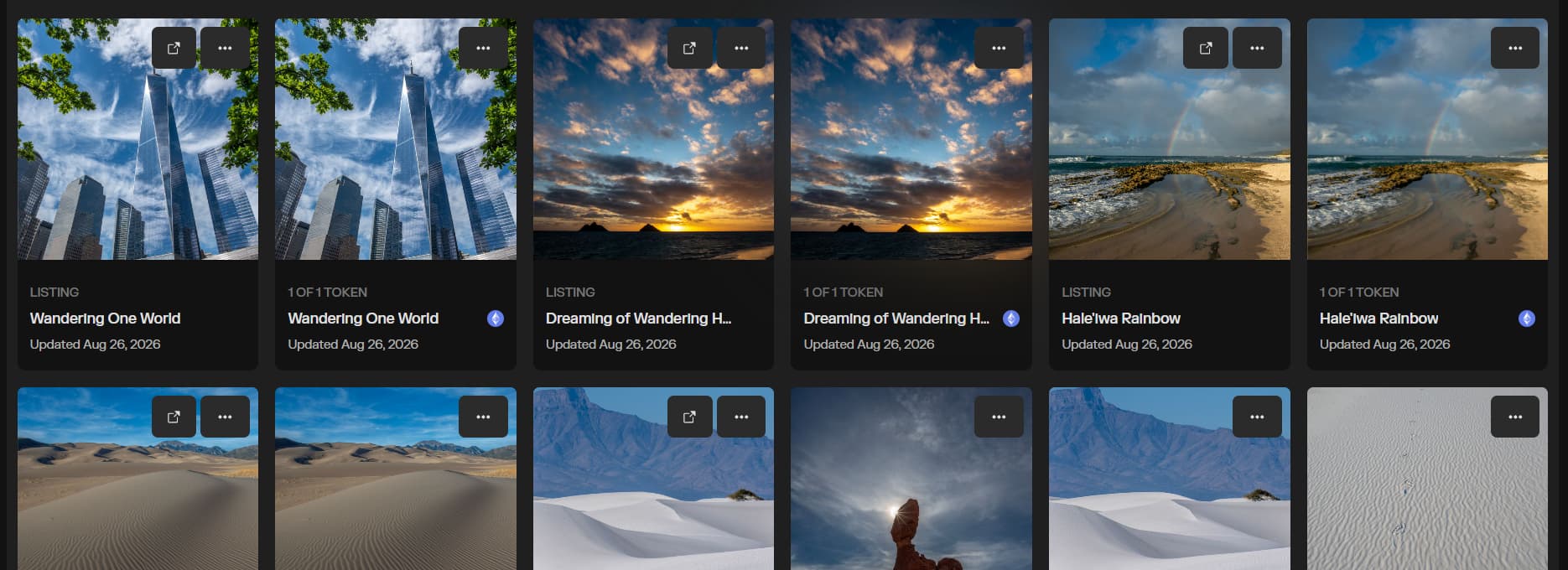
A summary of the issue - Listings either display a green price tag instead of the image uploaded for the NFT, or they feature the Token # instead of the title.
What are you trying to do? I would like my listings to correctly display the image and the title.
What is the actual outcome? Are you seeing any error messages?
Yes, still unable to relist this token after cancelling the original auction I set up to fix the meta data. In hindsight, I realize I could have edited the meta data on the token itself, but I had already canceled the listing by the time I got there. This isn’t a challenge on other platforms (I have delisted/relisted on Foundation before, and can do that on Transient now), so it was weird to not be able to list a token I own on Manifold.
I tried to link to the token, but it says I’m not allowed to post a link to this host.
The green tag resolved after several days, but when the listing was complete, two of the three tokens showed as a green tag. I thought I took a screenshot, but… apparently, I shared the link with others, who confirmed it also displayed a green price tag on their end. It was the same collection: two of Tokens 11, 12, & 13.
It does look like the titles are now displaying properly, instead of showing the token numbers, but that was at least a day or two without that being resolved, which is a challenge when you’re dropping on a schedule and have to wait for the platform to display properly.
Apologies for the delay - So right now the tokens are appearing correctly and you’re unable to list this token for sale? You should definitely be able to delist/relist with Studio.
You consolidated two tickets that I opened, which seems to be causing confusion on your part.
The original ticket for the Marketplace Listing Error that was tied to the token that I started the listing, set up the auction, and then realized I made a mistake in the metadata, I went back to update the token and accidentally canceled the listing in the process… I cannot link to it due to the restrictions of your support platform, but it is in the same collection: The Wanderer Collection 1/1s: Wandering on the Wind
When you go to the token it shows it “Settled”
(I had included a screenshot, but your system only allows two.)
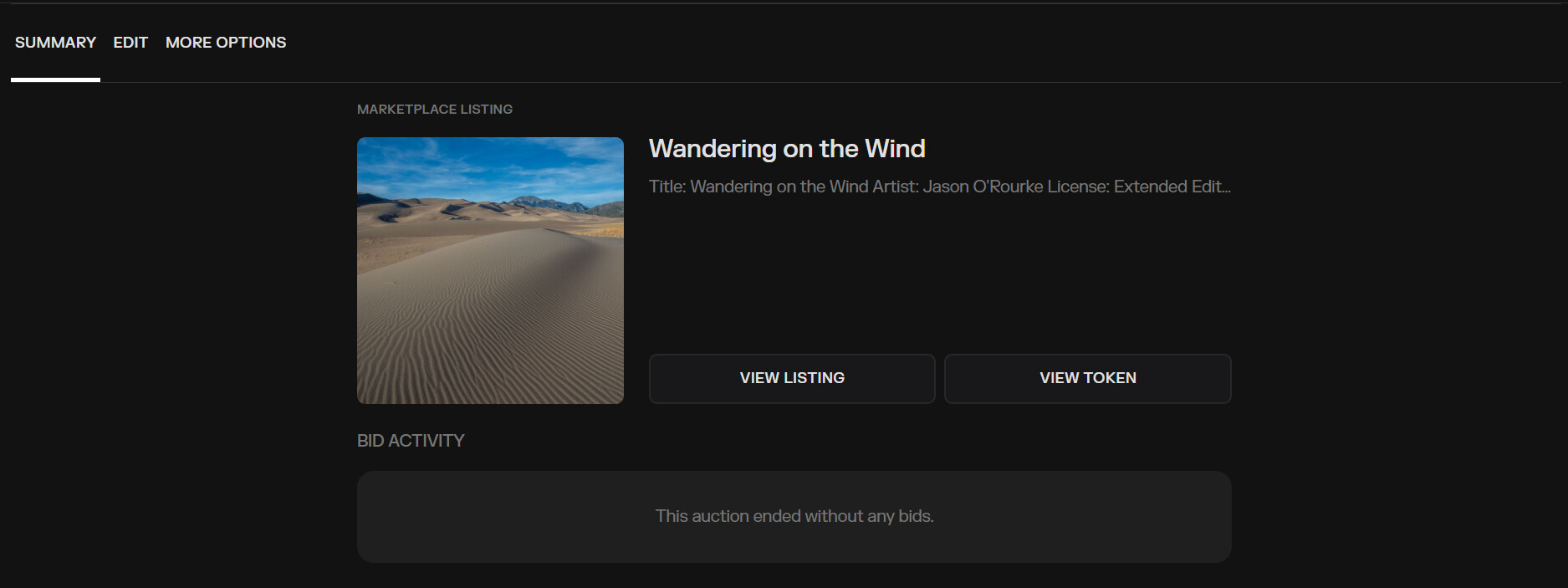
When you go to the token and try to list it, it takes you to the previous listing, and shows the auction ended with no bids:
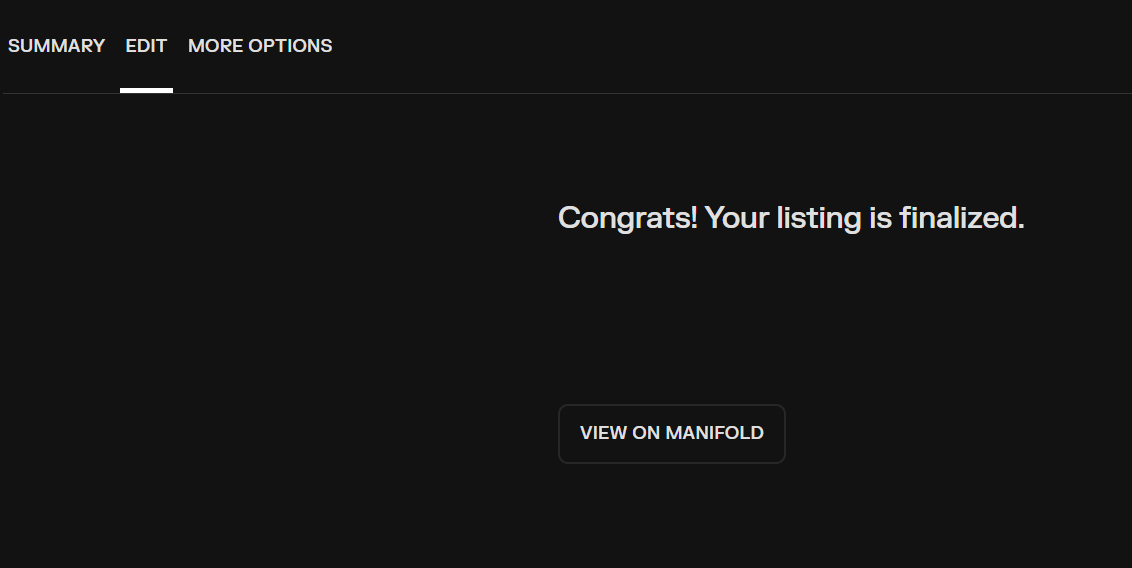
No matter where you start, you end up back on a page that says the listing is finalized, and does not offer a way to list a token that I own, and that I had canceled the listing immediately after I set it up.
Well, I tried to include three screenshots, but once again, the restrictions in your system only allow two.
Ah I think I see the confusion, the token can’t be listed for sale in the instance page itself or by editing the listing. You’ll need to create a new listing.
To create a new listing: in Studio, go to Create → List.
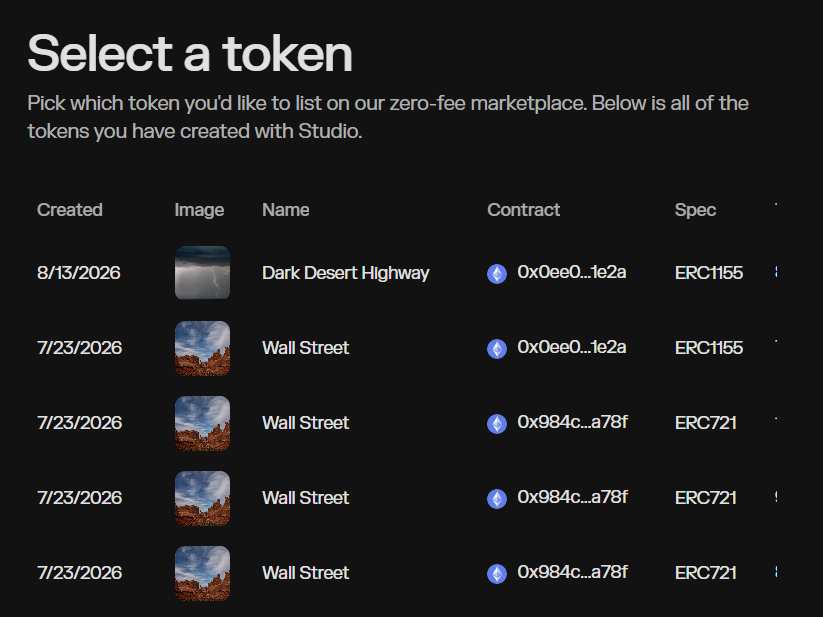
No, it doesn’t work. That’s been my point since I opened the ticket… when you got to Studio to Create a new listing, and you select the token, it takes you right back to the existing listing, and shows that the listing closed with no bids, and you cannot edit the listing because it shows that it is already finalized. There is no way to create a new listing for the token.
As I said, it doesn’t matter where you start, you always end up back on the two pages I sent you with the screenshots.
I tried accessing the Marketplace listings from a second laptop to see if there was some weird overriding cache issue on my MacBook, but interestingly… none of those tokens even appear on my available tokens to list, despite using the “Refresh Info” to “Stale Token Info?” so I’m unable to list them from this laptop either.
If you go to the last page of available tokens, do you see it there? There’s a bug that may not have sorted the token correctly and it appears at the end of the list of available tokens.
 Please beware of external links. Support will only be handled on this forum.