• What is your wallet address?
0x9E6aaa43Ad6Efb8d0764E4ECAe8b93D92fed37bf
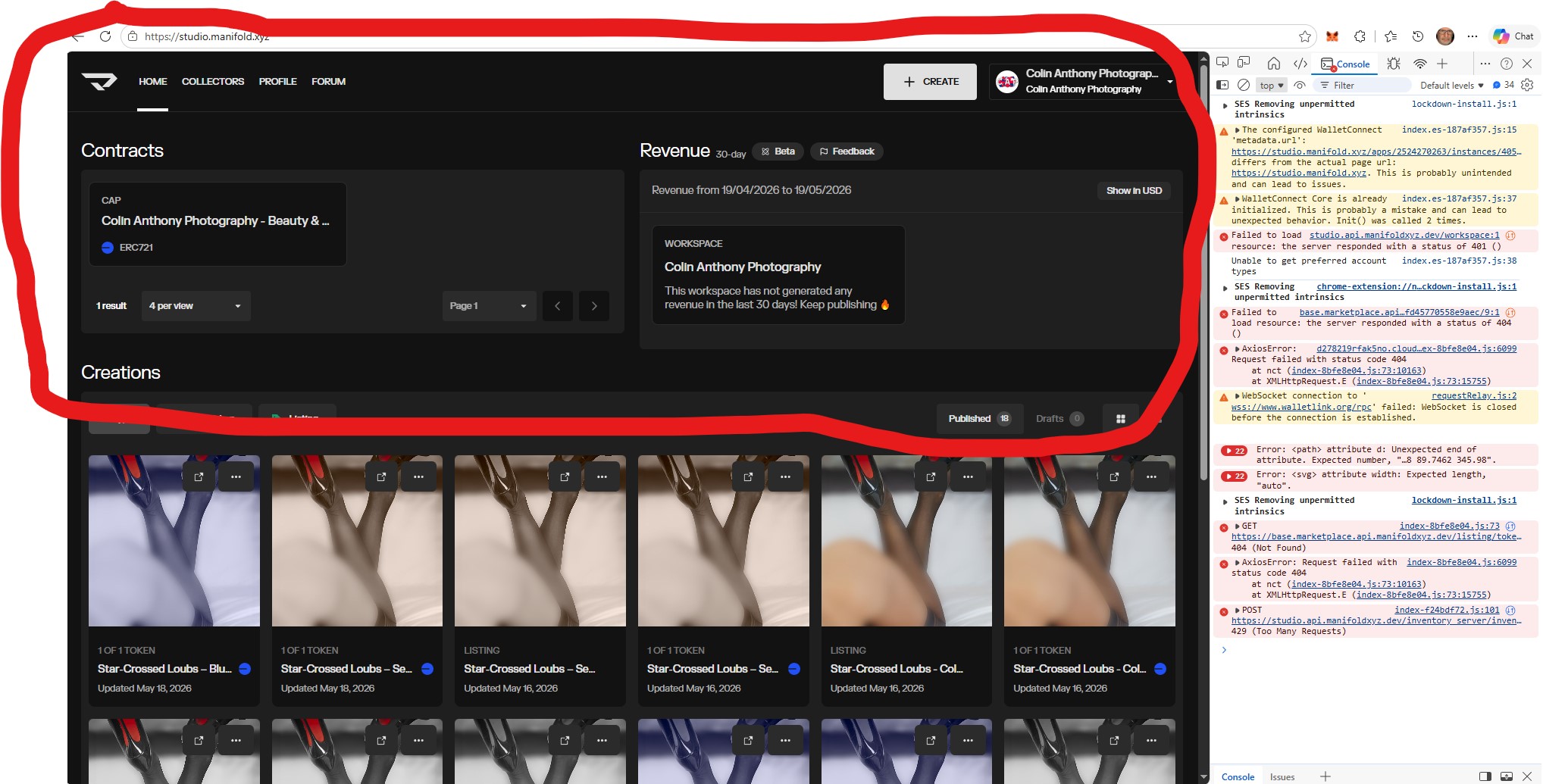
• A summary of the issue NFTs not visible on (LIST) Select Token Page
My last two Mints did not add a marketplace listing on Manifold?
They are missing from the Token page?
Note: This was working fine before on the same set up.
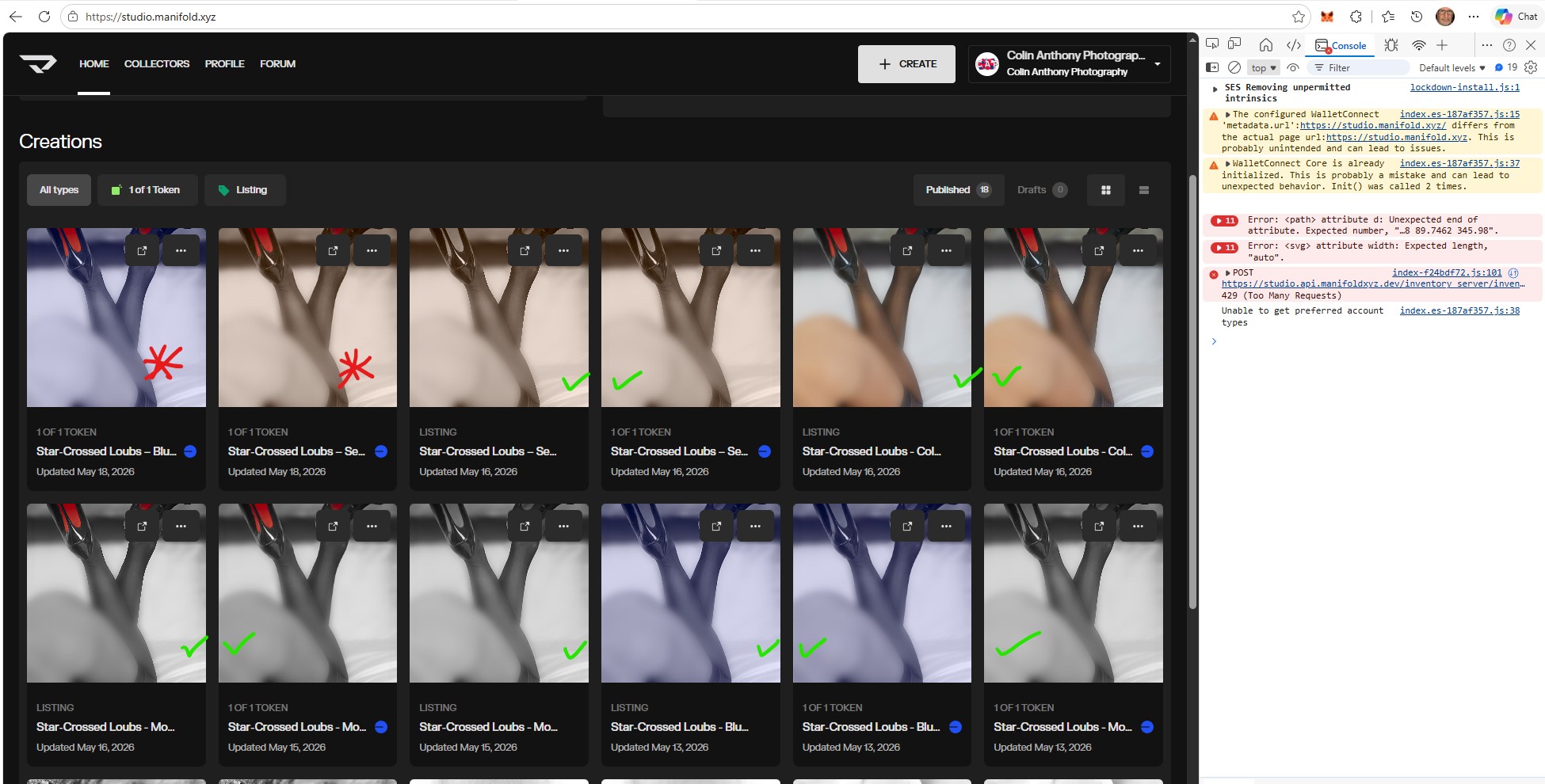
I have added a screen shot with the console open as requested. I marked them with red stars. The NFTs that were previously added correctly are marked with green ticks.
The NFT titles with the missing Marketplace listings are:
• What are you trying to do?
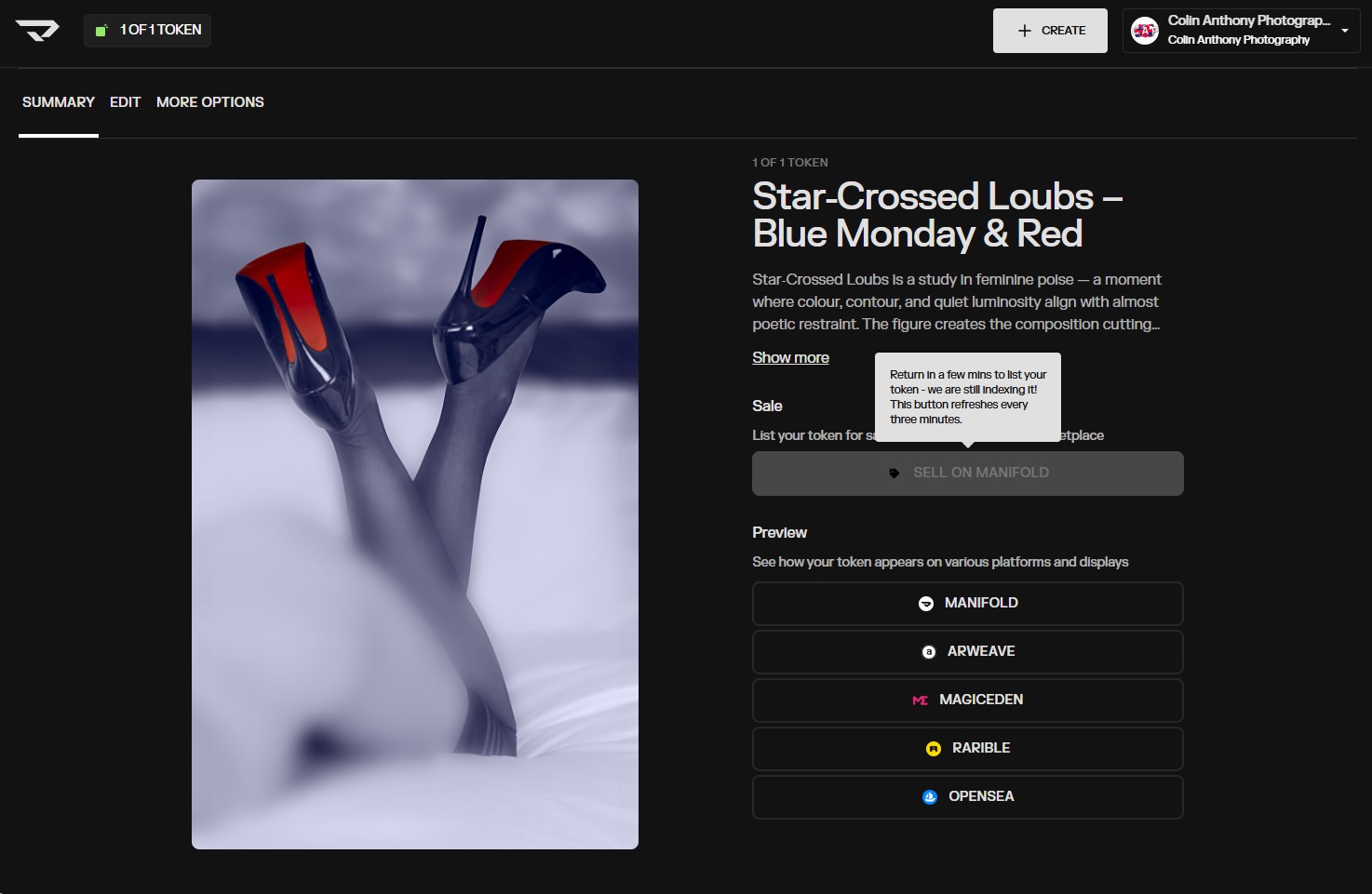
I need to appear so that I can add them to the Manifold marketplace. FYI: I noted your response to a previous post and tried to click on the “Sell on Manifold” button, but it is not active. (I did do this during minting.)
• What browser are you using?
My Browser is Edge on Windows (Version 148.0.3967.70 (Official build) (64-bit)
I also checked it on my Android on Edge and it is the same.
This seems like the same issue mentioned in this post:
So sorry about the issue you’re having. I’ve made some updates, and you should now see the “SELL ON MANIFOLD” button on the two latest listings.
We’re looking into the issue further so we can fix it permanently. In the meantime, if you mint more tokens and see this issue again, you can use the following workaround: