-
What is your wallet address?
0x0854c079Dd0e87a6b3a9074354b8440899091174 -
A summary of the issue
I have been trying to join a workspace invite sent to me by “Burito” multiple times and I still cannot see the Burrito profile after sign up. I have tried switching emails multiple times but end up having to make multiple accounts that I can use because the wallet address is not linked to the account
Currently the account on file for the Workspace invite is “nubianizm.studio@gmail.com and the profile is called Nubianizm Fine Art I was instructed to mint my 1on1 on the Burrito profile but it is not showing up no matter how many times I change the profile email or accept the invite in my emails via gmail.
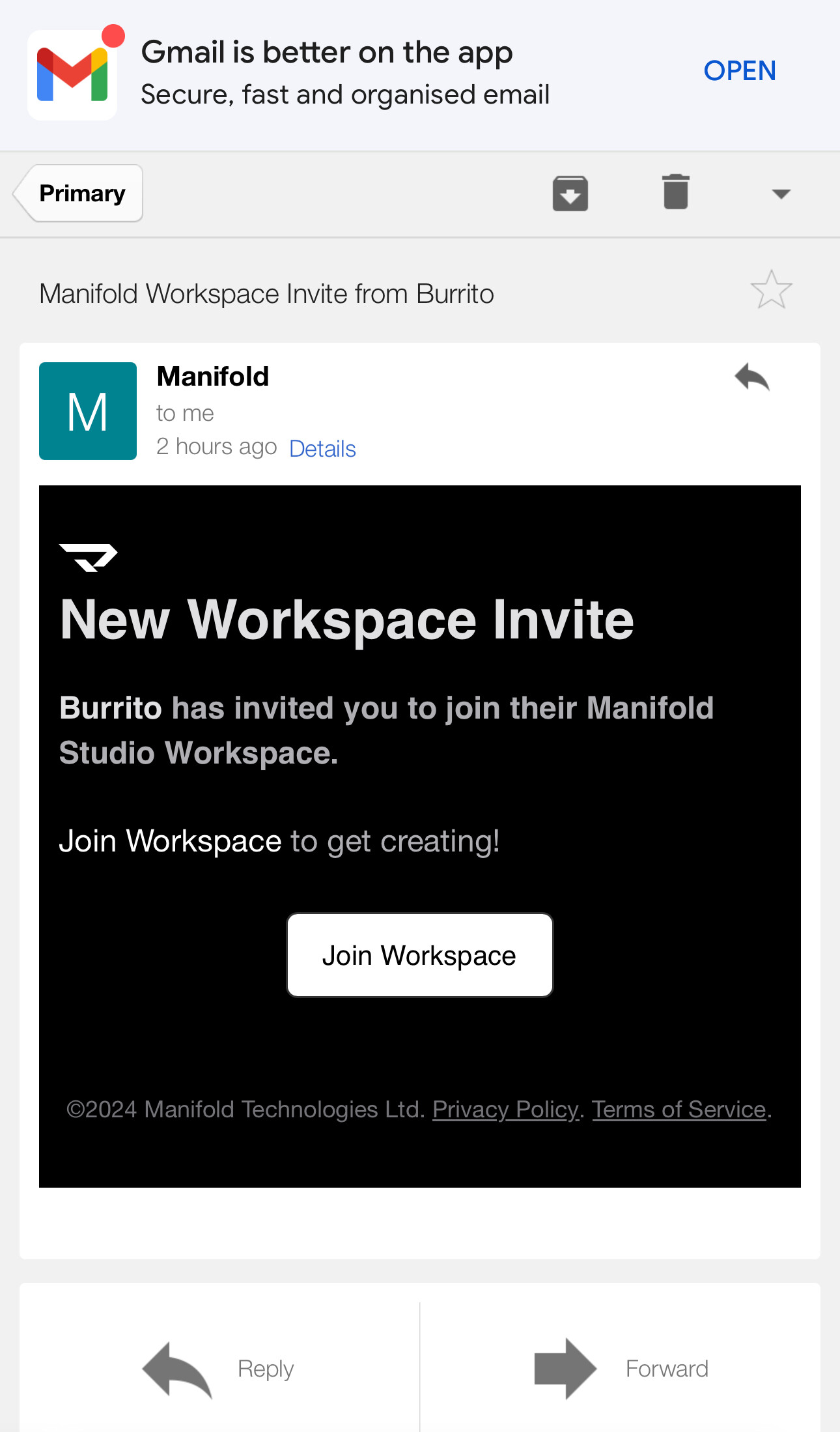
This is the invite below:

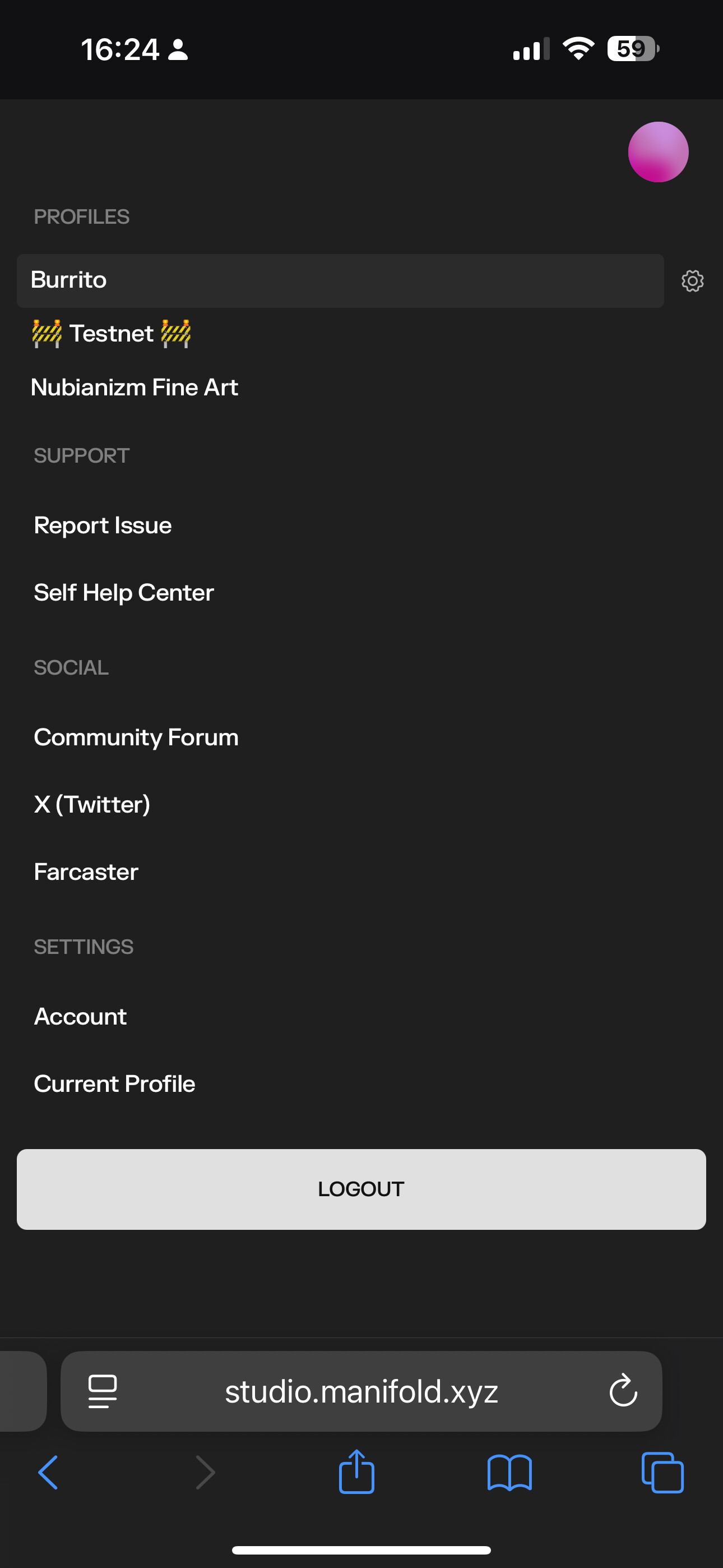
When I click on it, it directs me to this page:

This happens after logging in (in the invite link is pressed again)
I can only see my profile name after this, but no option of the Burrito profile.
The inviter has removed and resent the invite to multiple emails I have given them and still no resolution. It’s becoming frustrating as I am due to do a scheduled group drop with them and time is passing and I still cannot mint.
I even made an alias email to the original email used when creating the first account linked to my wallet and that didn’t help. It seems like there is a bug of some kind but he said that not working because it doesn’t think my manifold is associated to the email I’m inviting but i’m not sure why. This is my first time before this creating a manifold for this address or using an email address.
- What browser are you using?
Google chrome
- What wallet are you using?
Coinbase wallet (tried rainbow too)