Contract address: 0x7946a4bC596E0172C4f7FcC5A1da3A019EF85eB9
Token ID: 1
wallet address that owns the NFT: 0xc1c041F52F92366c0258557c030246143cFf3b8f
I Use Chrome for the browser and I use Coinbase wallet.
Summery or Issue:
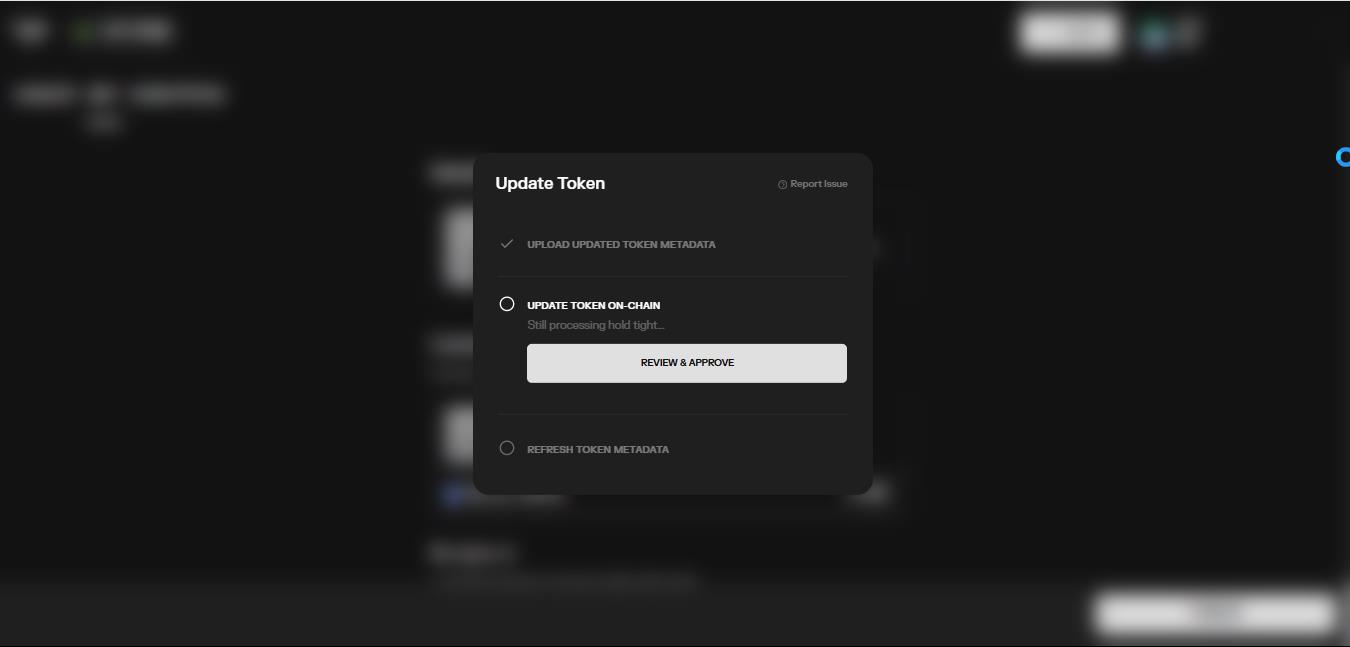
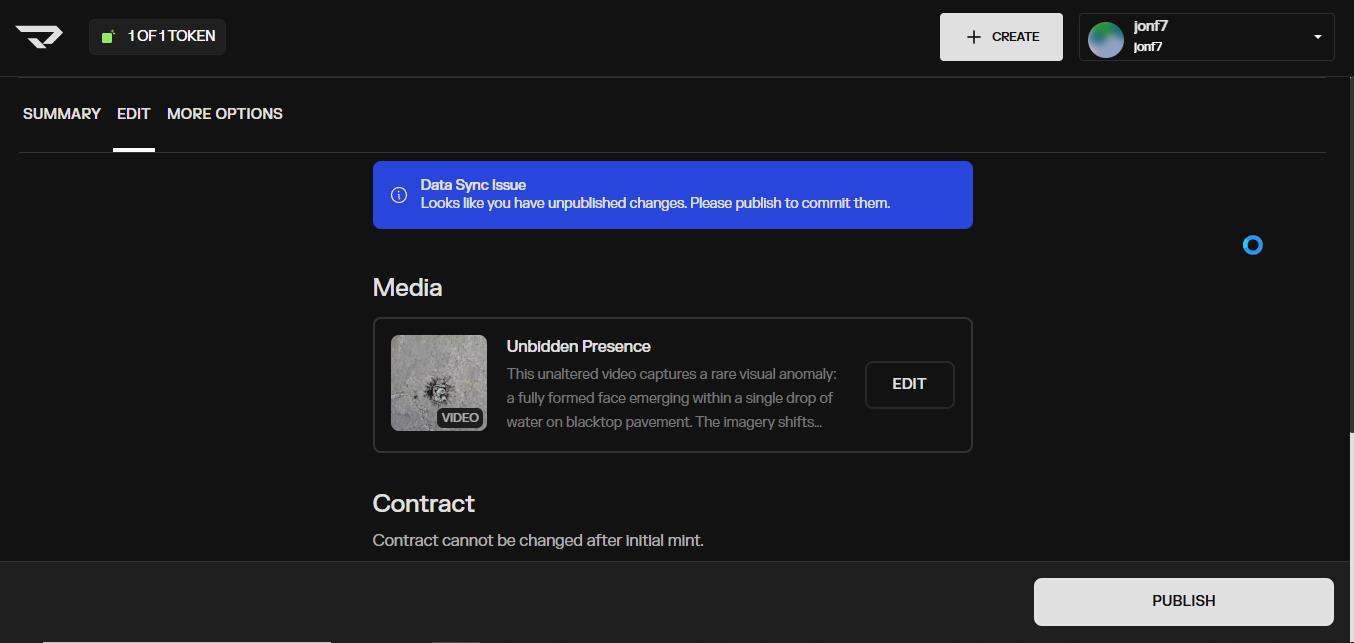
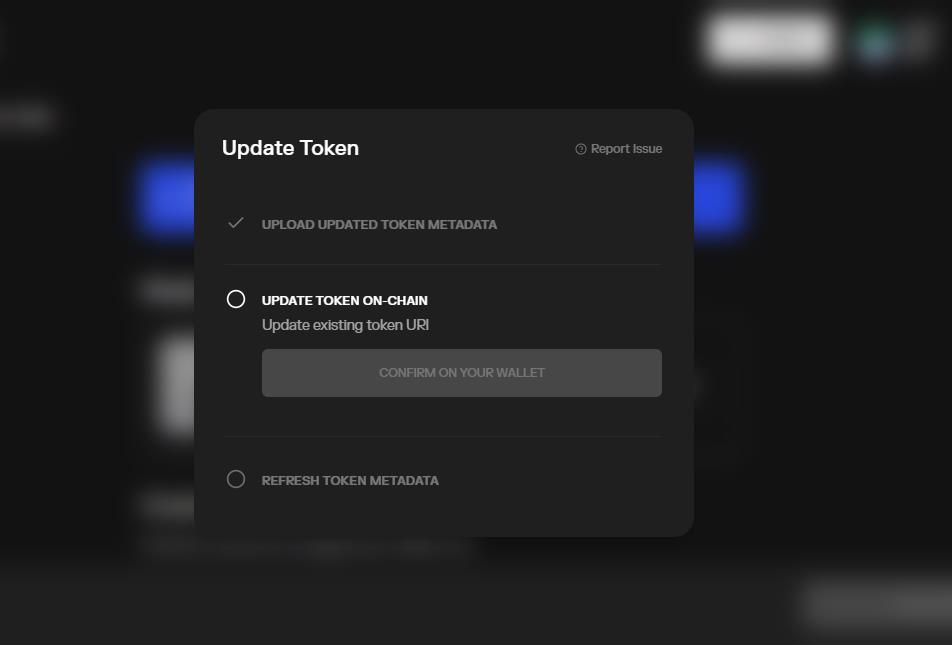
I have minted a token after setting up a 1/1 contract and the metadata was all in place when I realized I wanted to update the metadata to add a message in the description. Then I confirmed wallet and fee and that worked, but the page will not proceed to a finished update save.
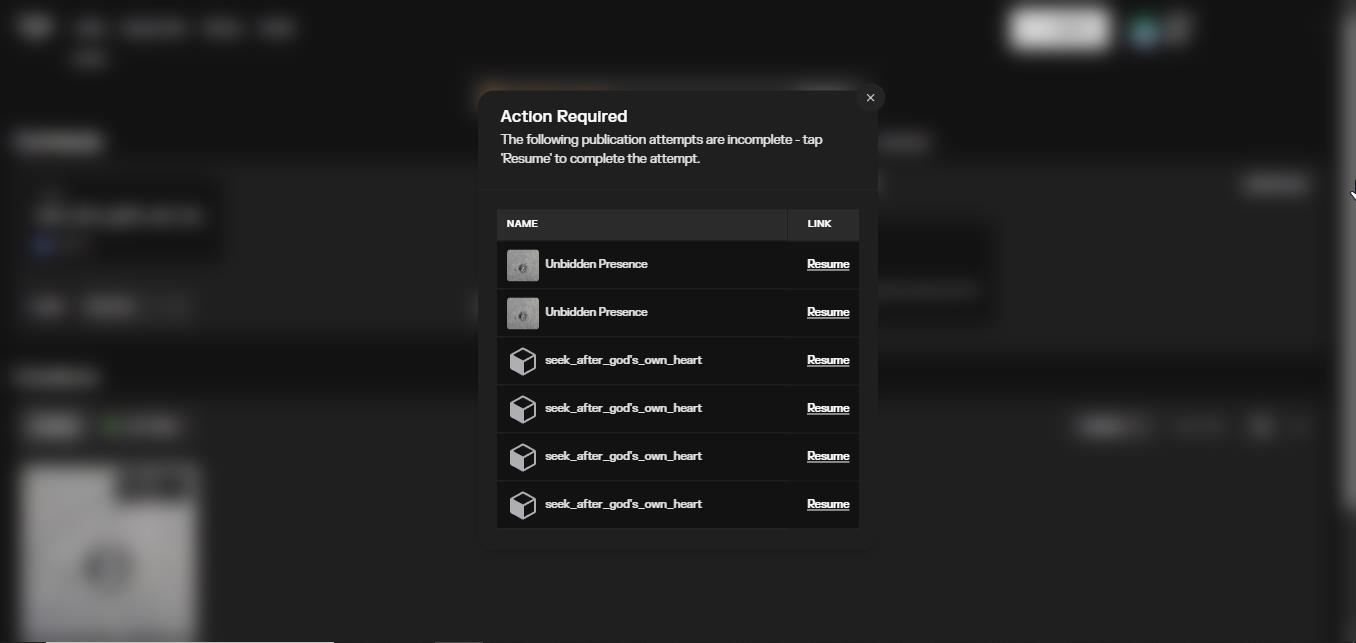
Note: I am not even sure the first save ever finished, the site simply says to hold tight and never finishes and duplicate alerts keep showing up as I tried again several times. This problem is causing me not to be able to list my NFT for auction. There is nothing more I can do in the UI that I would know of, needs to be fixed by someone in Admin on the backend.
Here are the screenshots:
Hi, It brings me to that page dialogue in the first screenshot. It loops endlessly after that. I hit ‘Review & Approve’ the wallet opens, I hit confirm and the wallet closes, and then the Review & Approve goes greyed out, and that’s it. Never finishes. Check in with AI and it tells me all kinds of possible ways to resolve but nothing works. Then even AI says you can’t resolve this without support. (Someone with the logs on the backend) Thanks for the reply!
Thank you for trying to help me with this. Let me add that a few times that I tried to log in with wallet my browser opened Base wallet. I went back and used log in with email instead and then connected coinbase wallet, the upper address is ETH used to get as far as I did!
Here is a clarified version of what I experienced logging in:
0xc1c041F52F92366c0258557c030246143cFf3b8f
This is the Ethereum (ETH) address that I used to create the contract and proceed with minting.
I would also like to add an important detail: when I tried logging in using the “Wallet” button, my browser opened something labeled “Base” wallet, which appeared different from my usual Coinbase Wallet. Because of that, I went back and used “Login with Email” instead. After entering the email code, it then prompted me to connect my Coinbase Wallet, which is the wallet associated with the ETH address above.
I’m not sure if this difference between the “Base” wallet and Coinbase Wallet could be related to the issues I’ve been experiencing, but I wanted to mention it in case it helps with troubleshooting.
I just cleared your Studio, so you shouldn’t be seeing the page dialog or loops anymore.
That said, I’d recommend updating whichever browser wallets you’re using to make sure you’re on the latest version and to prevent this from happening again.
Let me know if you’re still running into any issues!
Thank you for helping dongqtm. On a new issue now:
I can now log in successfully with my wallet.
However, when prompted to add my email as a recovery method, it asks for a verification code. The email I receive does not contain a code — instead it says someone is trying to create an account and suggests logging in instead.
I previously used “Login with Email” when wallet login was looping, so it seems that email may already be associated with a separate account.
It looks like there are now two accounts — one wallet-based and one email-based — and they may need to be merged or the email-only account removed so I can attach my email to the wallet account.
I wonder if you could check and clear this out. After that I will have only the one account, fingers crossed!
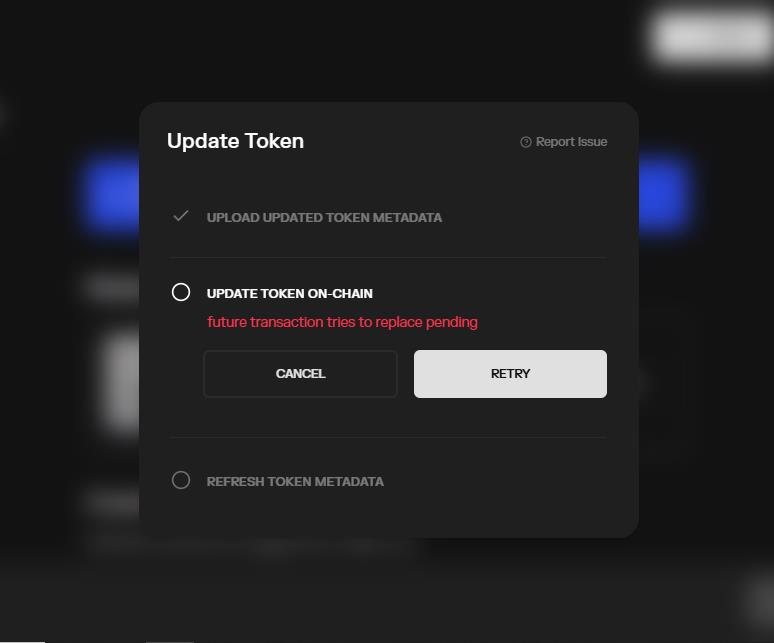
The login problem was probably not the reason. The first page just asks to log in using email or sign up and that one uses wallet first. I can sign in just fine using ‘log in with email’ The real problem is the site thinks that publishing and setting up an auction is already in progress. It doesn’t seem to ever resolve, I will try one more time since I got the help from support now but I am seeing what the screen shots are showing. It seems to get stuck where it says: Updating URI on chain, and then: Still processing, hold tight. I hope someone can understand what is going on with the script in the backend.
I tried again to publish as the blue box asks me to do. This is what it shows now. If it completes after so long I will post that it worked. I have tried this many times, the wallet opens and I confirm and then I see the button greyed out and wait.