ETH Wallet address:
0x123beaeA9cdcc32ea24496f1790df00F3885eB73
Chrome browser
I have a manifold studio account and several minted tokens. I am looking to curate them together on a page and see that the “new” way to do that is within the Profile feature.
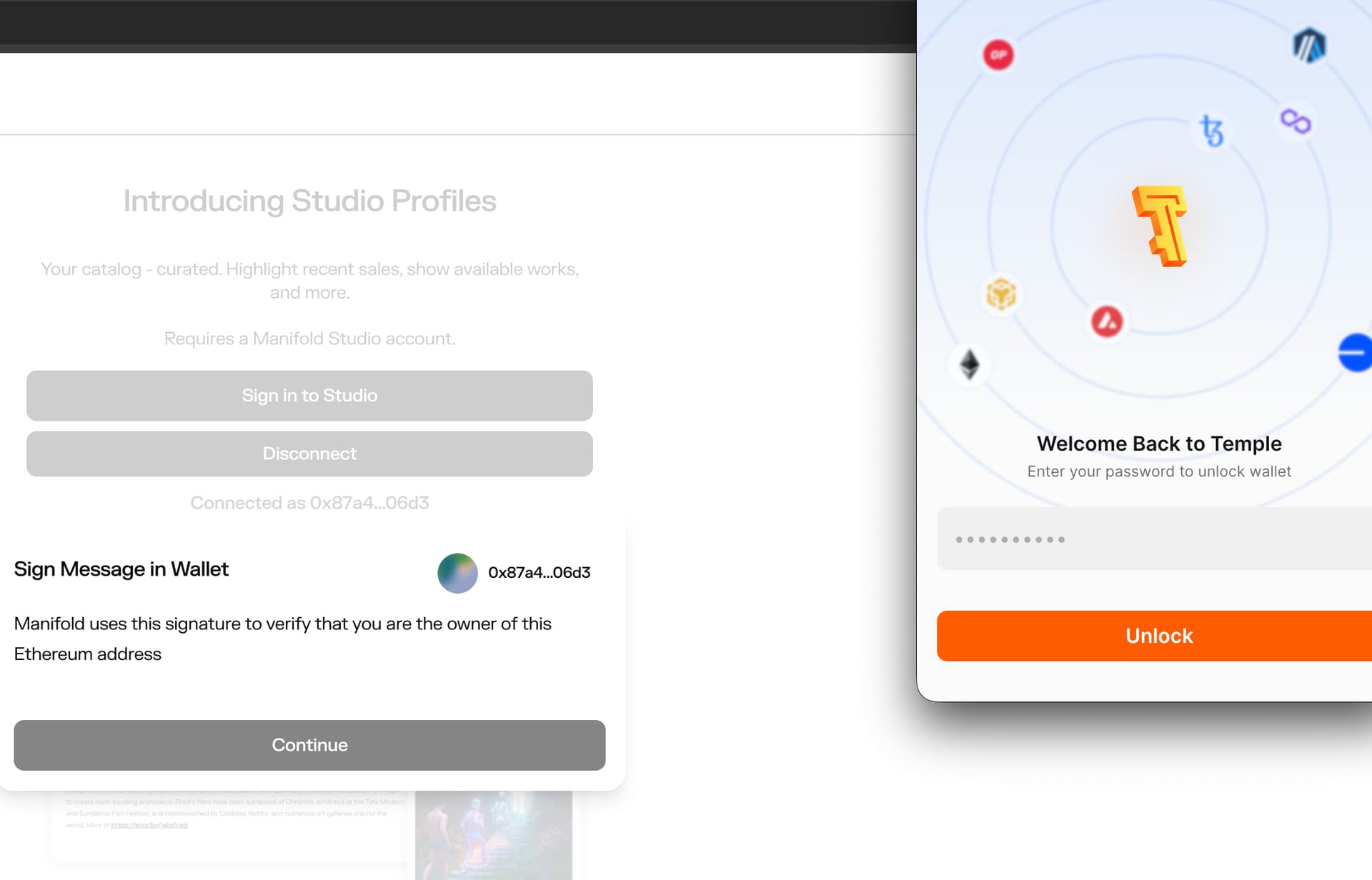
As I’m trying to claim and/or connect to the Studio Profile page with the “Connect Wallet” button, it brings up my Temple wallet for a signature instead of my already connected Metamask wallet. I’ve tried disconnecting the ETH wallet, signing out of Studio, and neither of those made a difference in the outcome of still being unable to connect/sign in to a Profile.