0x754082c6B597D99A3fE1B96Cb2d39D9699eED4a8
I have been trying to mint some works in an already existing contract, but someway the UI is not appearing after the selection of the contract so I can keep minting. No way to go forward. What can be happening?
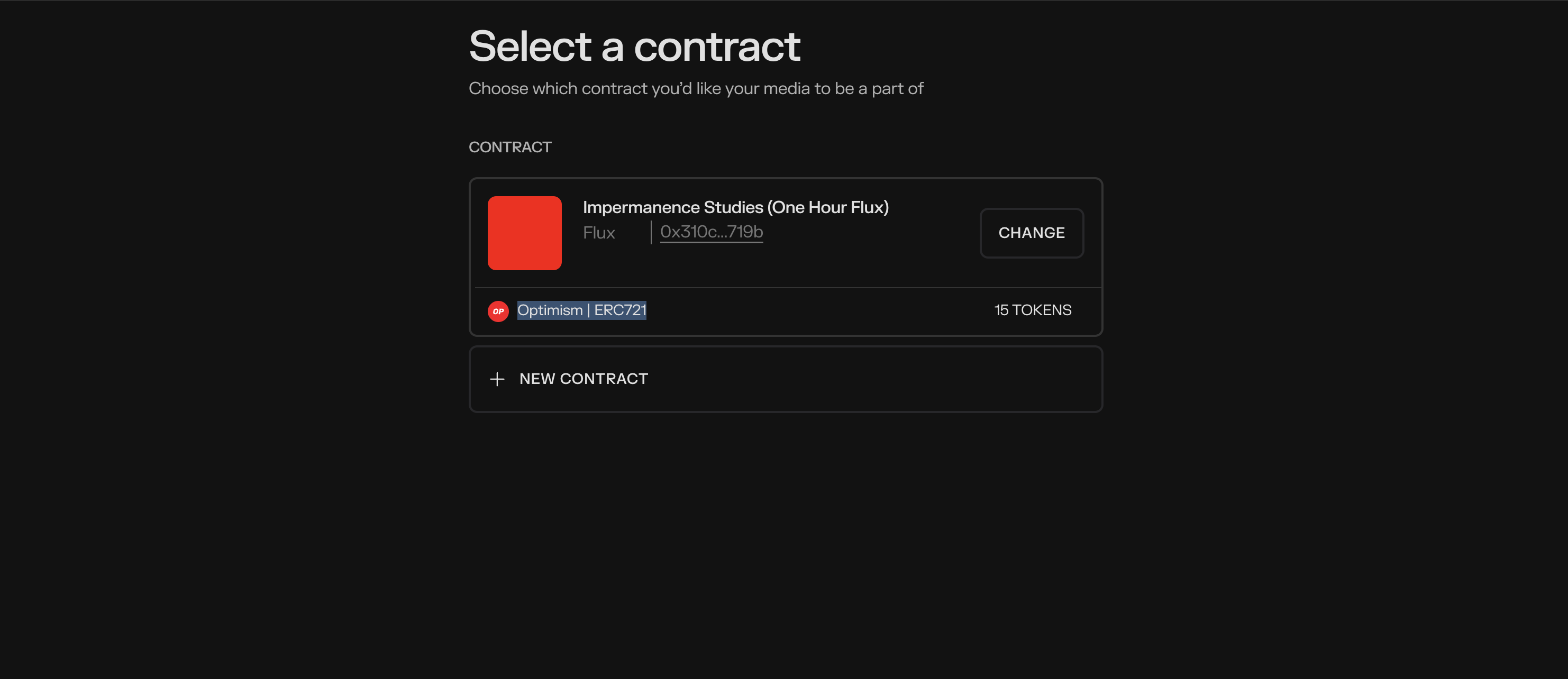
I am using Brave Browser (Chrome), Metamask.
Thanks a lot.
In order for our team to investigate a bug/errors, please provide the following:
- What is your wallet address?
- A summary of the issue
- What are you trying to do?
- What is the actual outcome? Are you seeing any error messages?
- A screenshot of the issue/error with the console.
Instructions here: How do I report issues to the forum? | How can we help? - What browser are you using?
- What wallet are you using?