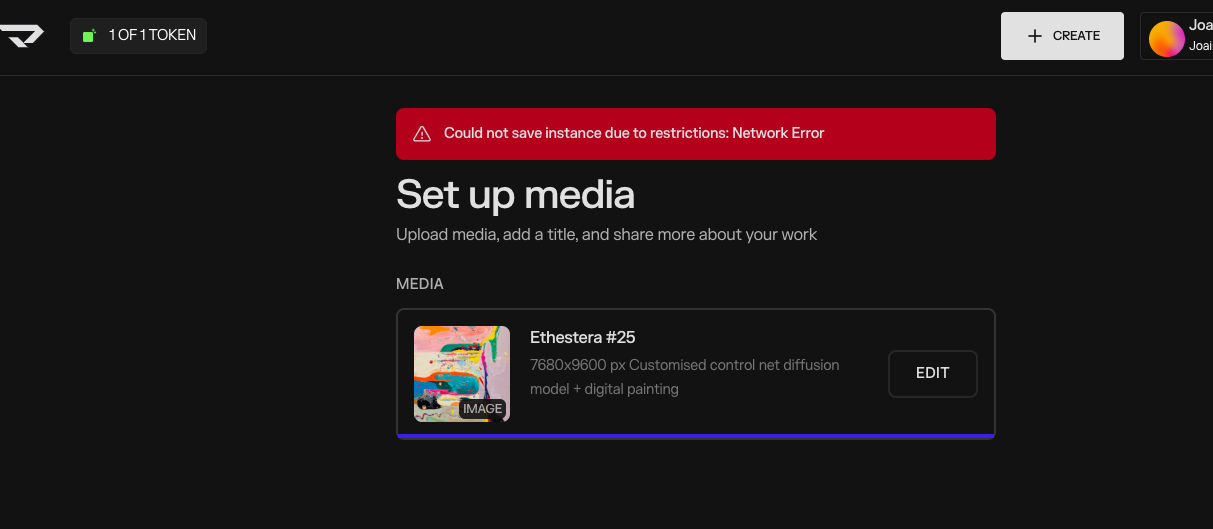
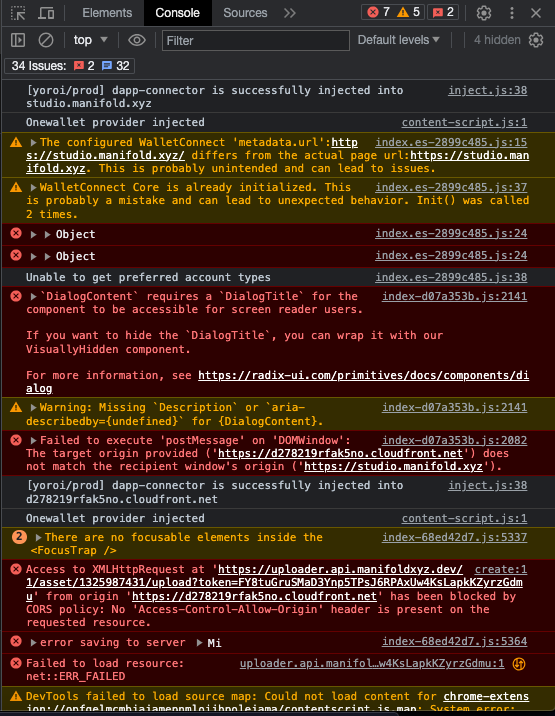
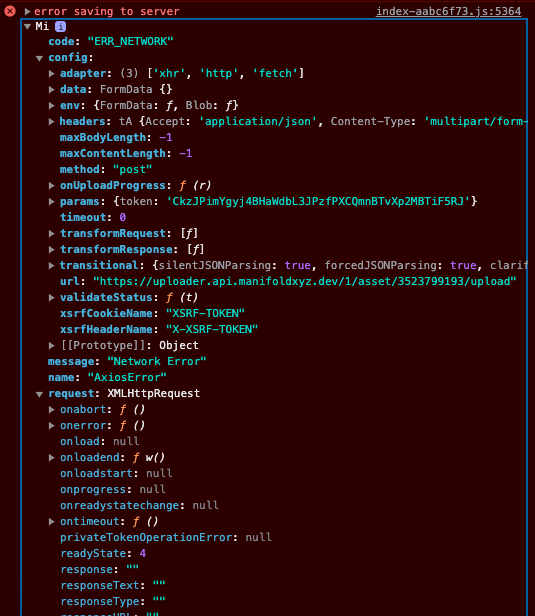
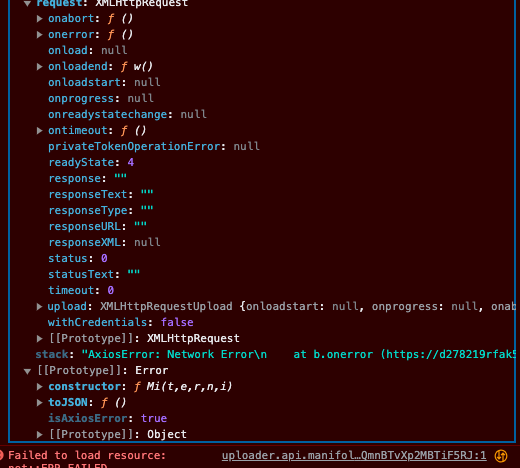
Hi i have been having an issue minting on my own contract (where I have previously minted multiple times). I have been having this issue for a few weeks now. I have attached the screenshots of the error as well as a screenshot of the console.
Could you please tell me why is this happening? The files im uploading are literally of the same format that I have previously used to mint with no issue on this contract.
Got it - Looking into this for you. Can you provide a bit more information? What wallet are you using? Do you have multiple wallets installed on this browser?
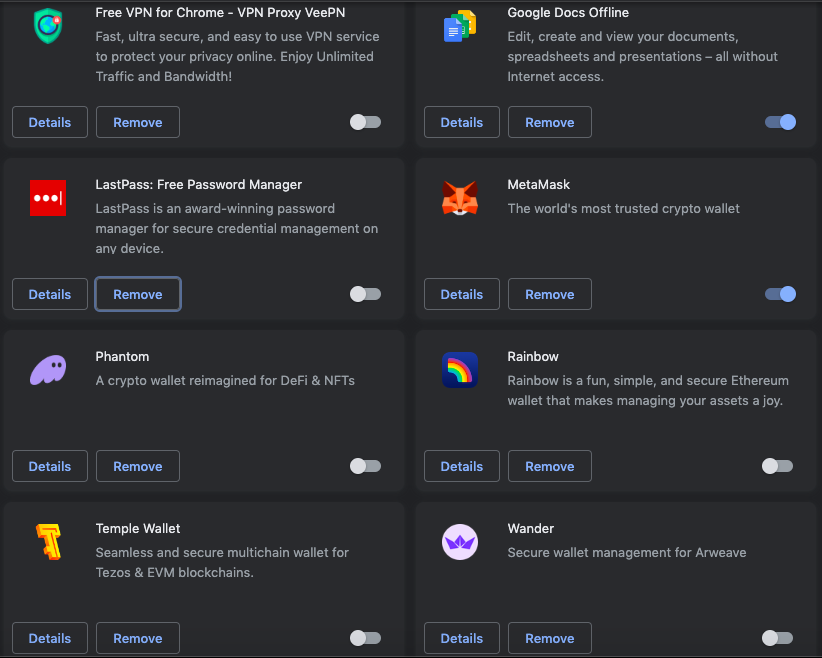
Got it - First can we try disabling Phantom and Temple for the time being? This should do the trick. We’ve seen issues where either of these wallets can affect a user being able to mint.
I’m still having this problem, haven’t been able to mint for months now. I’ve cleared local storage as you said, still the same issue. I’m honestly out of options rn, idk how to fix this. I can send you the file through a gdrive link for you guys to inspect, can you please provide me with an email for sending the link? Thanks
Are you running into issues with the same file? What happens if you use a different file - Are you getting the same error? Feel free to link the file to Studio@manifold.xyz
Thank you for your patience. We were able to help you upload the file. You can visit it here:
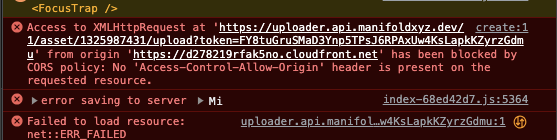
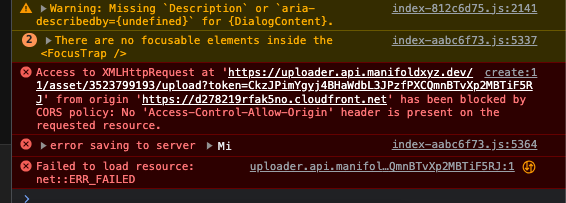
To help us investigate further, could you please try the action again? If you encounter the error again, look for the log entry that includes “error saving to server”, expand it, and send us a screenshot.
To help us debug the upload issue, could you please take a screenshot of all the browser extensions you currently have enabled?
Sometimes an ad-blocker, privacy extension, or security plugin can silently block requests to our upload endpoint, so seeing your extension list will help us confirm whether that’s the case.
Please open:
Chrome Menu → Extensions → Manage Extensions, then take a screenshot of the full list and send it here.
Hey! Sorry again for all the inconvenience here, we really appreciate your patience while we work through this. Since we still haven’t been able to reproduce the issue on our end, we’d like to try a couple more tests to narrow down what might be happening.
1. Please try the upload again on a different Wi-Fi network
Sometimes a firewall, router setting, or ISP-level filter can block requests in unexpected ways. Testing from another network (mobile hotspot, office Wi-Fi, etc.) will help us confirm whether that’s the cause.
2. Please run this command in your terminal and send us a screenshot of the output:
This will help us see whether your machine can reach the uploader endpoint directly, or if the request is being blocked before it even hits the server.
Again, really sorry for the trouble. Thank you for helping us track this down!
Hi, just solved the issue by connecting to my personal mobile hotspot instead of my default home wifi. Its really weird that my home wifi has been the problem all along. Is there a way to fix this or will i have to use my hotspot anytime i want to mint something? Thanks again for your continued support, much appreciated!
OK, still having this same issue (same error) even after switching different WIFI-s (I have already tried 3 other WIFI-s). What could be the case this time?