Wallet addresses:
- 0x6867A6C097F5161cA39aD30a83207a1f8283d267
- 0x128472a1edc94C04888C8b3094994AF0F88abf7D
Summary of issue:
I am unable to connect my wallets to the correct Manifold accounts. My wallet addresses are mapped to the wrong Manifold profiles, and despite extensive troubleshooting, the association cannot be changed or unlinked. I need to manage each account with the intended wallet for launching and controlling NFT contracts.
What I am trying to do:
I am trying to:
- Connect 0x6867A6C097F5161cA39aD30a83207a1f8283d267 to LiberationDAO | Manifold (currently mapped to Felice LaZae | Manifold)
- Connect 0x128472a1edc94C04888C8b3094994AF0F88abf7D to the @felicelazae profile (currently mapped to the @liberationdao profile)
I need these mappings fixed so I can admin collections under the correct wallet/profile pair.
Steps taken/troubleshooting already done:
- Attempted login/connection/disconnection in Chrome, Brave, Comet, and Arc browsers (Arc and Comet are built on Chromium, but to reduce confusion I refer to all as Chrome/Chromium-family browsers here)
- Tried incognito/private sessions on all platforms
- Tested on both desktop and mobile (iOS, Rainbow wallet app)
- Cleared browser cache, cookies, site data, IndexedDB, and storage for manifold.xyz
- Fully logged out and disconnected all wallets from dApps in MetaMask and Rainbow
- Used “Reset Account” in MetaMask and force-quit Rainbow Wallet app
- Attempted different connection orders (wallet-first, email-first)
- Signed in with both wallet addresses to both profile accounts and attempted switching
- The association remains stuck—each wallet stays mapped to its initial account
Browser used:
Mainly Chrome (also Brave, Arc, Comet—all Chromium-based)
Wallets used:
MetaMask (desktop) and Rainbow (mobile app)
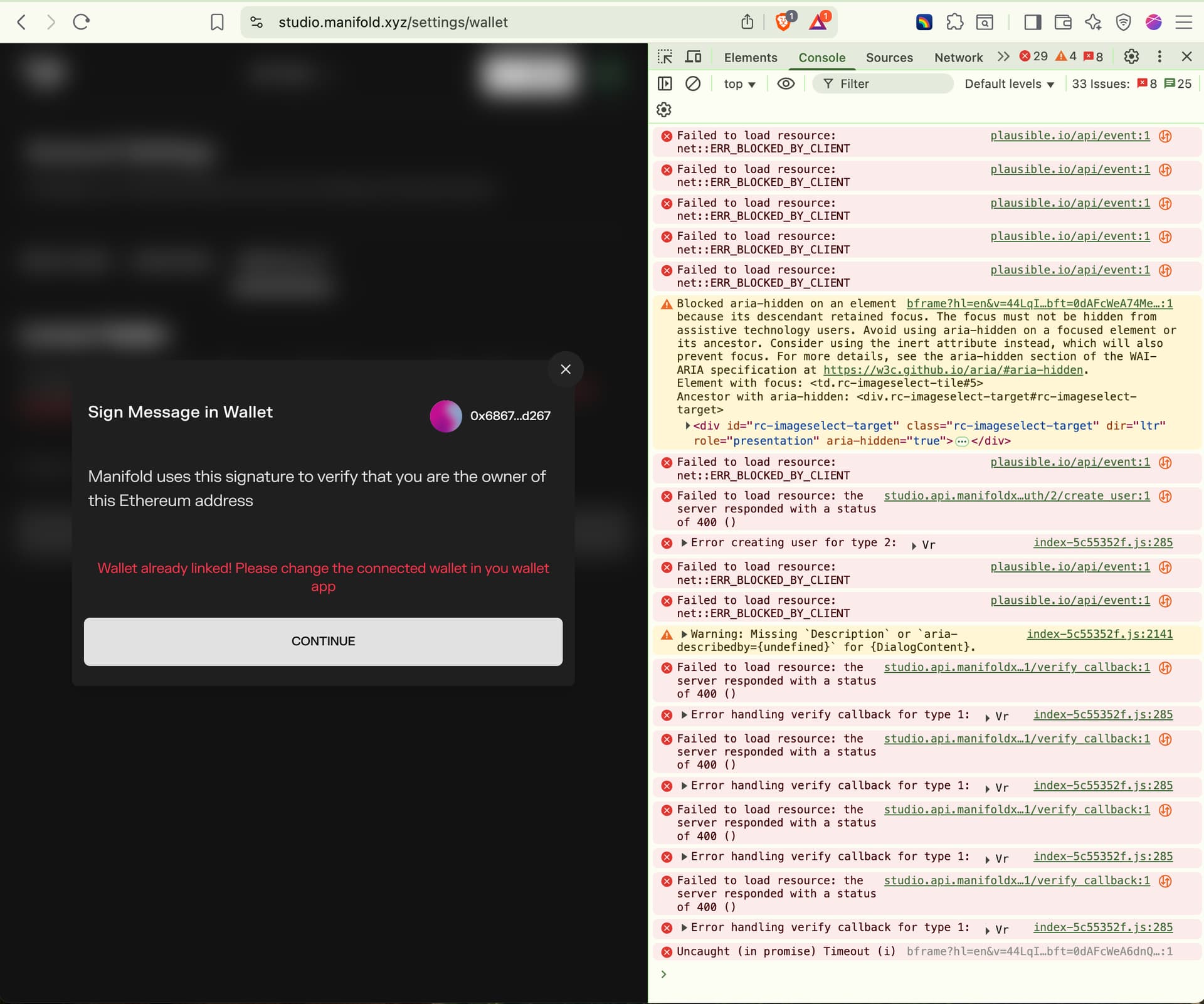
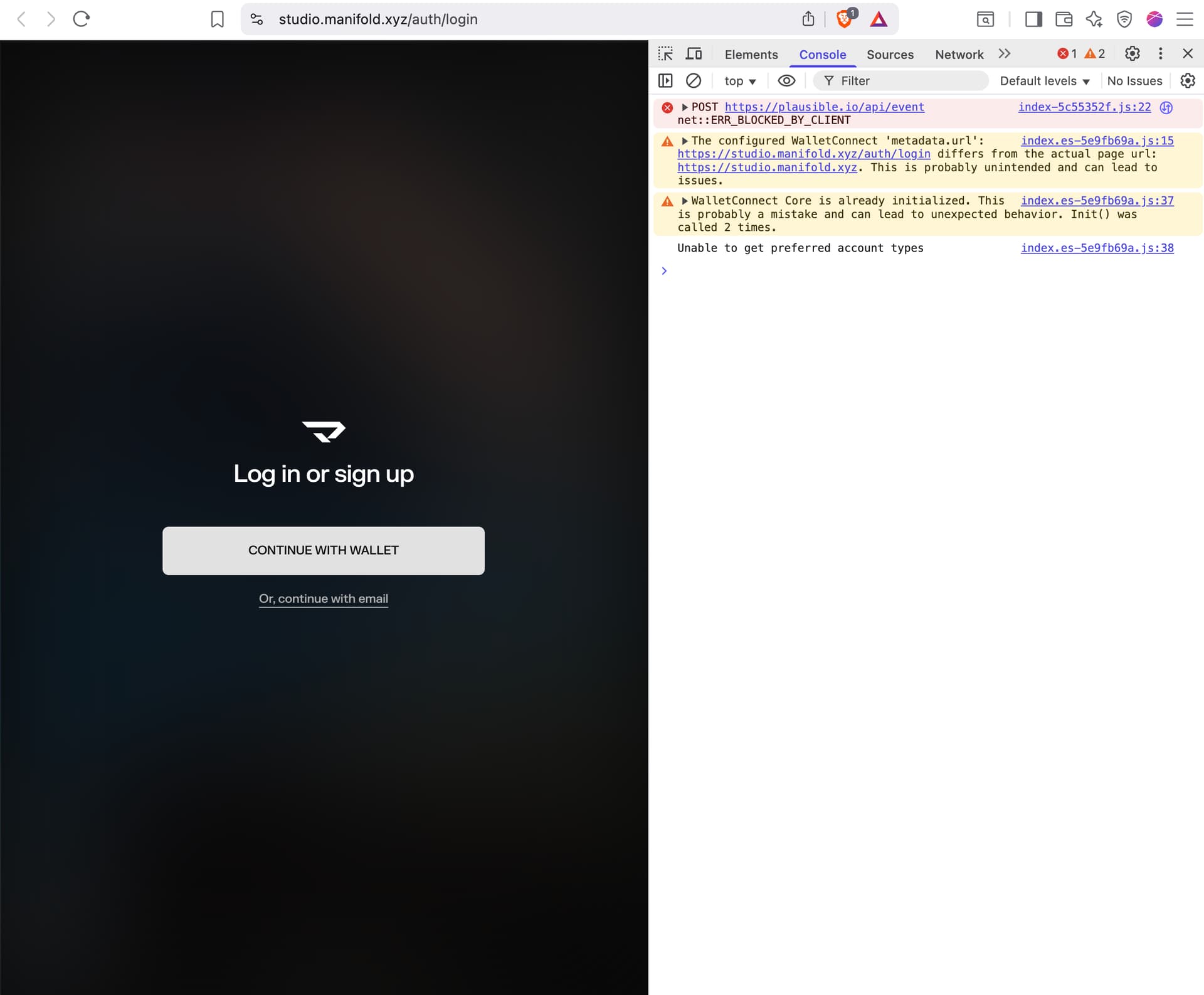
Here’s my console output with all extensions disabled, new browser profile, cache/history cleared, Rainbow wallet on mobile, clean session. The backend is still refusing wallet verification and account linking.
Request:
Can you please manually reset/unlink the wallet–profile association server-side, so I can bind each wallet address to the correct Manifold account as described above?
Thank you for your help!
Felice