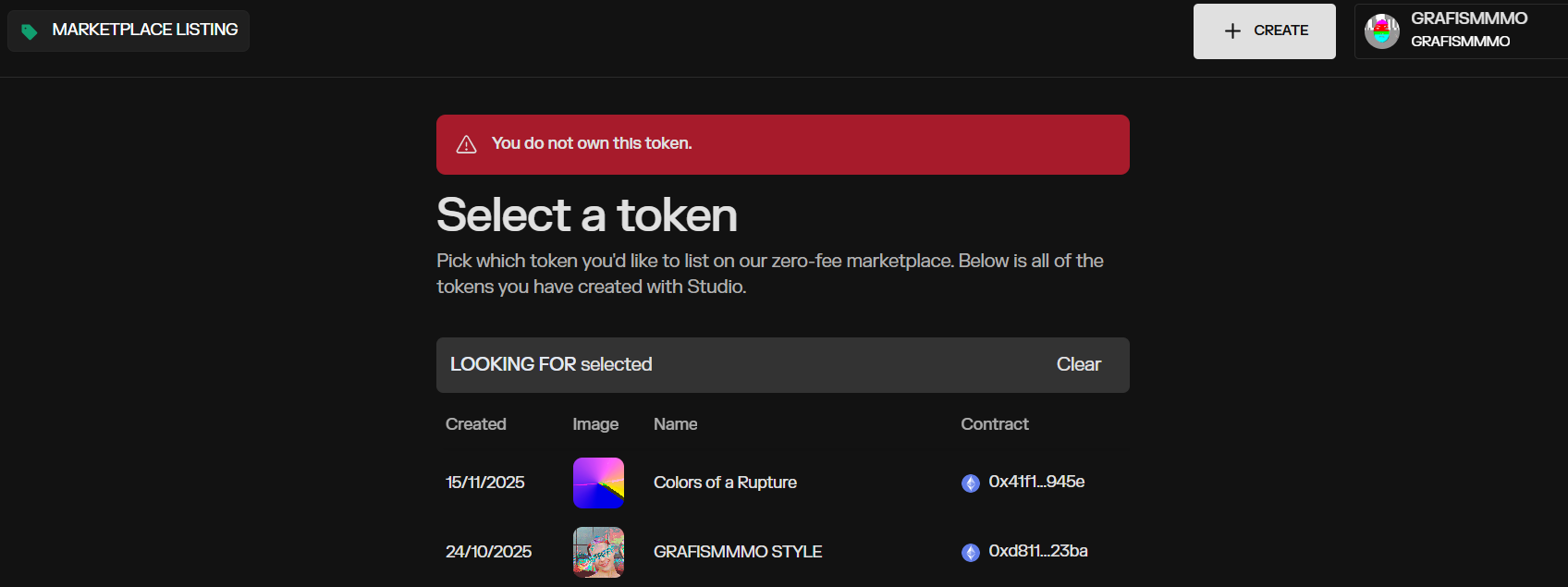
I want to relist a token, but when I select it, I receive the message: "You do not own this token. " I can’t relist. /
my wallet is metamask and my browser is google chrome
So what we’ll want to do is go back to the Summary Page for the original published Listing, then “Finalize” the listing. This will return the token back to your wallet.
If it does not give you that option, you’ll want to “Cancel listing” from the Edit Page instead, which does the same thing and returns the token back to your wallet.
After that is complete we should be able to re-list it exactly how you were trying to re-list it before, by making a fresh listing.
We are hoping we to simplify this re-listing flow in the future and would love any more feedback you have!
Friend, I managed to do it using the “Finalize” the listing button. Everything worked out.
Regarding the second option: “Cancel listing,” it returns your token, but when you relist it, it accumulates the thumbnails, so the listing for the same token appears in the portfolio.
Because it’s not fungible, it’s not possible to show only the active or the last listing in the studio.